Video Export
53
Event
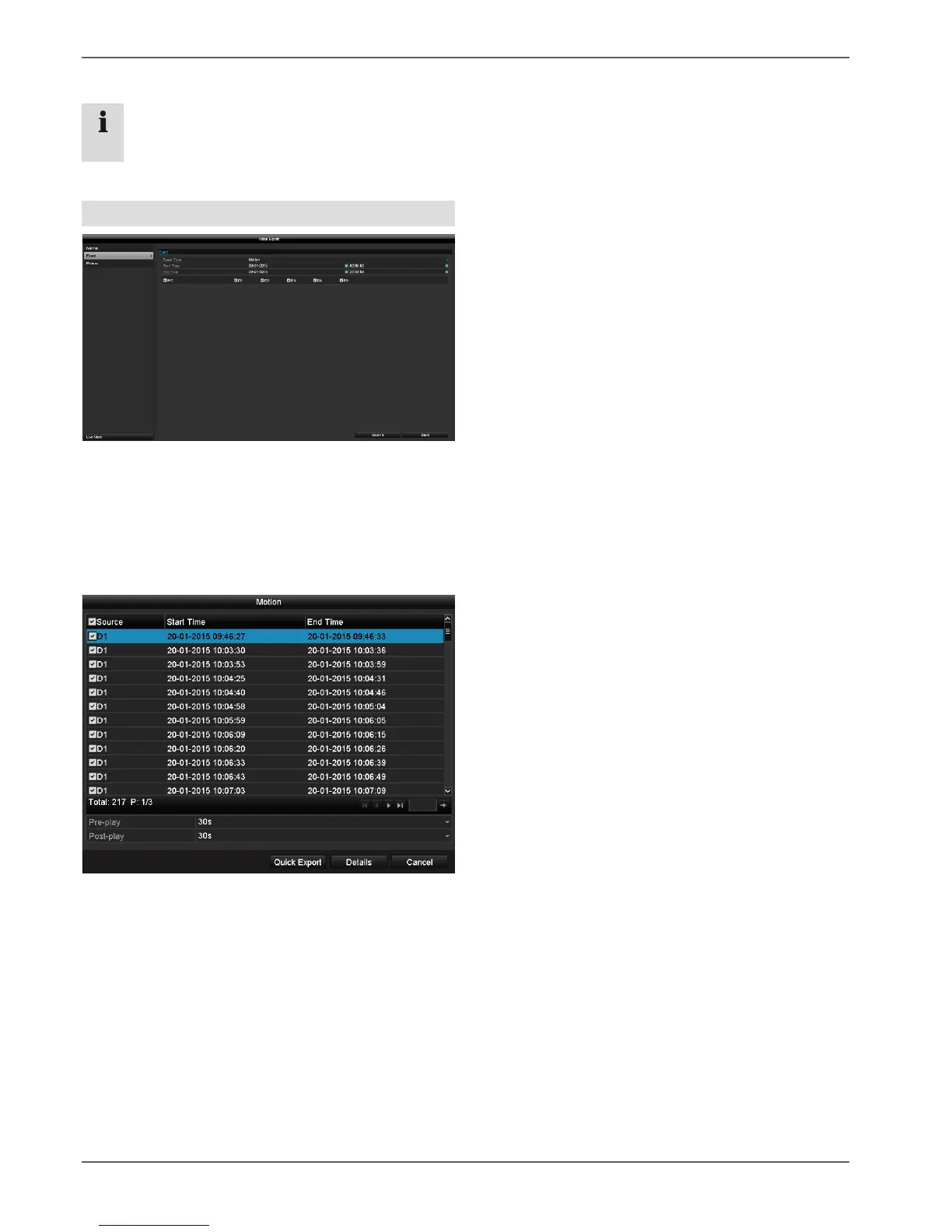
Define the period of the recordings to be searched for
using the "Start Time" and "End Time" selection fields.
Select the camera by ticking or unticking the box and
then click on Search.
For both types of event, the following window will appear
after clicking on the Search button:
Select the files to be exported by ticking or unticking the
box. Under "Pre-play" and "Post-play", you can set the
time before and after the alarm, which allows you to
define the length of the video you export.
Click on Details to view the selected video. See
NORMAL (page 52) for more information about the
Details window.



 To Next Page