Maintenance
54
Maintenance
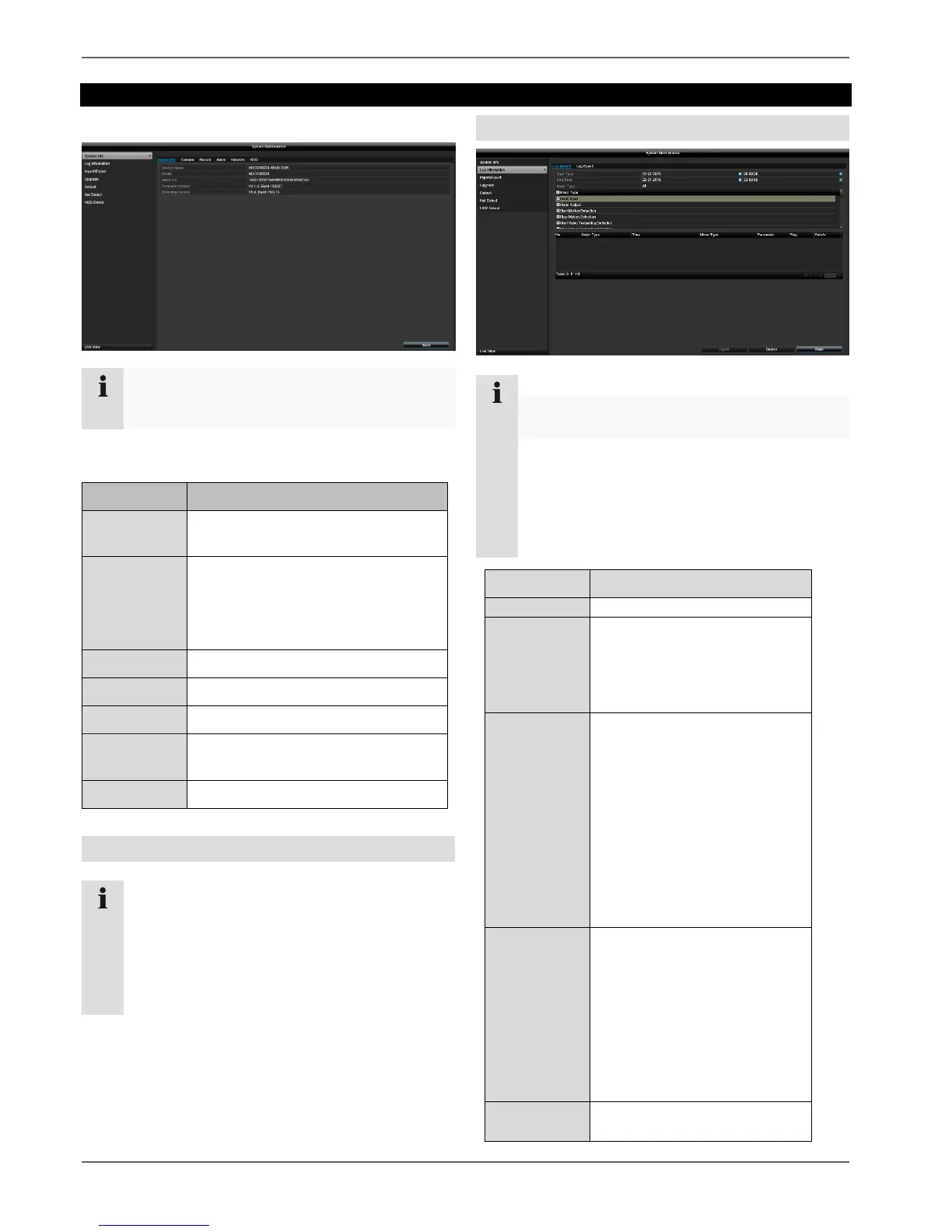
System Info
Note
The information menu shows the technical data
for the device and information on the various
settings of the cameras, recording, alarm, network
and HDD.
This can be useful for support queries, for
example.
Note
You can search for "events" according to the
following main types/events/parameters:
All
Alarm
Warning
Operation
Information
Motion detection
Start/stop
Start/Stop Video Tampering
Detection
Video Signal Loss
Illegal Login
HDD Full
HDD Error
IP Conflicted
Network Disconnected
Exception Recording
Video input/output signals
not equal
Recording Buffer
All
Power On
Local: Unscheduled
Shutdown
Local: Shutdown, Reboot,
Login, Logout
Local: Change Settings
Local: Upgrade
Local: Start Recording
Note
This menu is used for device maintenance and
should only be used by experienced users.
Device Info (Serial No., Firmware
Version etc.)
In Log Information (=log file), you can
search for recordings or information
(S.M.A.R.T. hard disk drive status) by
certain criteria, such as alarm,
exception, operation or information.
Import and export settings
Performs a firmware upgrade
Displays the transmission and
reception rate of the recorder
Checks the hard disk drive for errors



 To Next Page