If the packet loss rate is high, we recommend that
the "Network Delay, Packet Loss Test" is
repeated.
If the packet loss rate is still high, you should
check that the network cables are correct and not
damaged.
The higher the packet loss rate, the poorer the
connection between the pinged device and the
recorder.
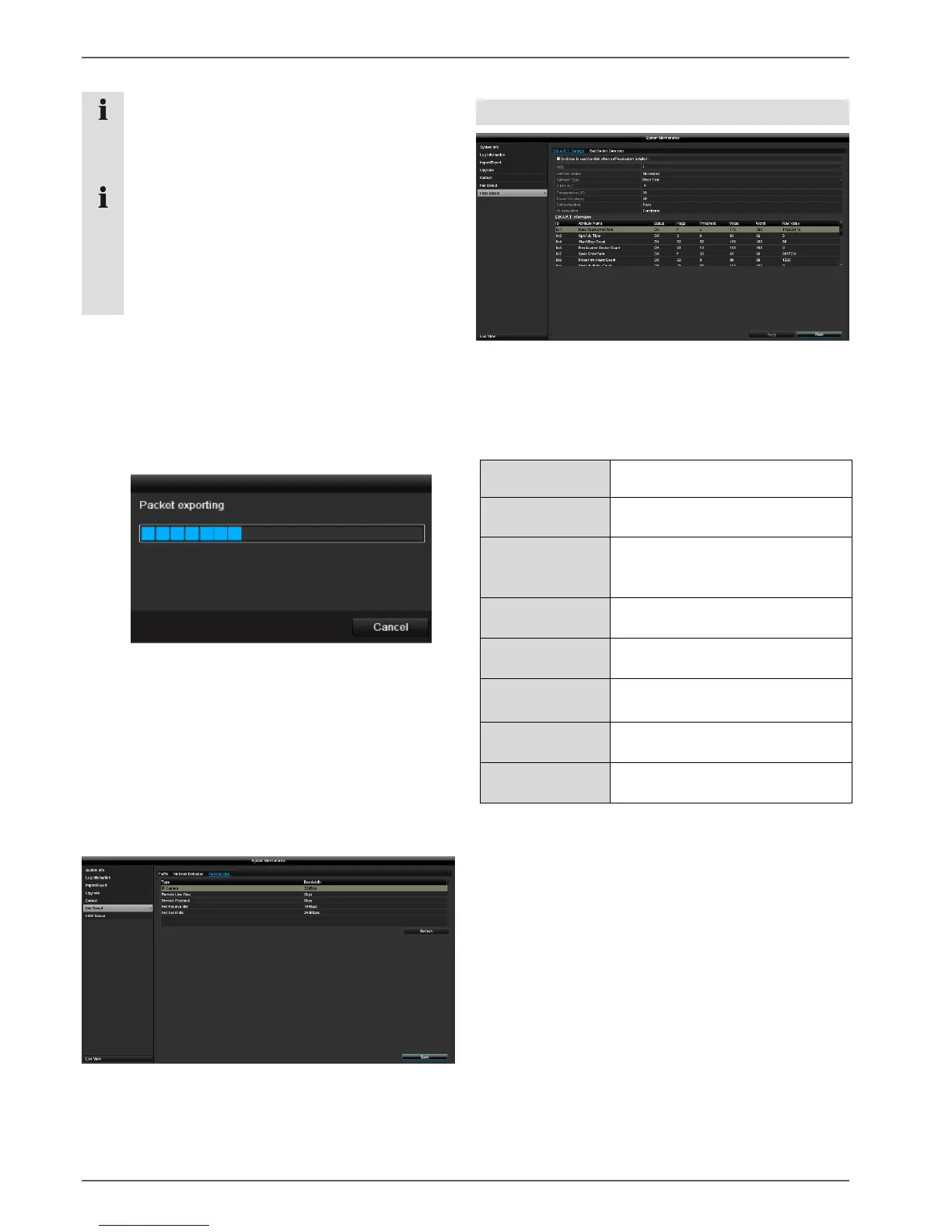
Under "Network Packet Export", the settings of the
individual connections can be exported according to the
setting of the connection.
1. For "Device Name", select a storage medium to save
the settings to.
2. Click on Export.
After the progress display finishes and initialisation is
successful, an information window will appear. Close
it by clicking on OK.
Click on Status to display the status of the LAN
connections (connected/not connected).
Click on Net Detect to change your network settings.
Network Stat. tab
The bandwidth used by the device is displayed under this
tab.
You can refresh the data by clicking on Refresh.
S.M.A.R.T
Click on the "HDD Detect" submenu.
This submenu gives you the option to check your hard
disk drive for errors.
Selection of the hard disk drive to
be processed
Shows the status of the current self-
test
Select the type of self-test
Short Test/Expanded
Test/Conveyance Test
Click on the icon to start the self-
test
Shows the hard disk drive
temperature
Shows the operating days of the
hard disk drive
Shows the status of the self-
evaluation
Shows the status of the evaluation
Confirm the settings by clicking on Apply and exit the
menu by clicking on OK.
Checking the hard disk drive status
You can check the status of each hard disk drive in the
"System Maintenance" menu. The S.M.A.R.T (Self-
Monitoring, Analysis and Reporting Technology)
information is stored in the log data.
Open the log file and search by
information/S.M.A.R.T. Hard disk drive. Setting up the
hard disk drive alarms
You can specify which alarms will inform you of hard
disk drive errors.
To do this, open "Exception" in the "Settings" menu.



 To Next Page