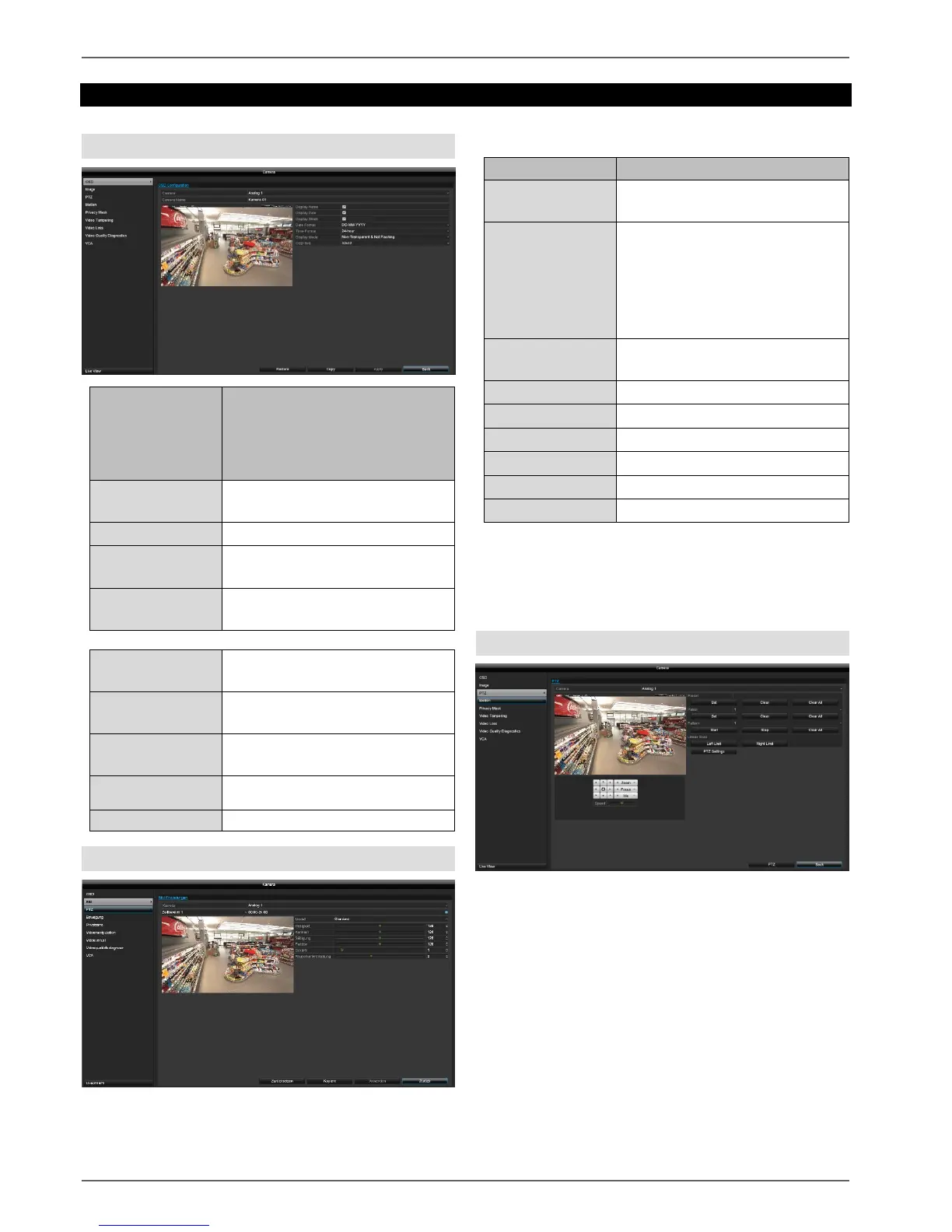
Select the
camera channel
to be processed
under "Camera".
Parameter
Selection of the camera channel
to be processed
Allocation of camera name
Activate/deactivate display of
camera name in the live view
Activate/deactivate display of
date in the live view
Display the calendar week for the
playback search
Select the display format for the
date of the playback search
Select the display format for the
time of the playback search
Settings for displaying the
camera name and date
Image
Select the camera channel to be processed under
"Camera".
Selection of the camera channel
to be processed
The image settings can be set to
two different time segments per
camera (e.g. day/night). Time
Segment 2 is only available if an
adjustment is being carried out to
Time Segment 1.
Preset for indoor, low light
conditions and outdoor.
All image adjustments are made locally on the recorder
(recorder signal input). Dependent on the camera model,
additional image adjustments are carried out in the
camera OSD.
PTZ
Select the camera channel to be processed under
"Camera". When an analogue HD PTZ camera is being
used, the control signals are transferred directly via the
BNC cable. A two-core connection is only required for
analogue PTZ cameras.



 To Next Page