HDD
49
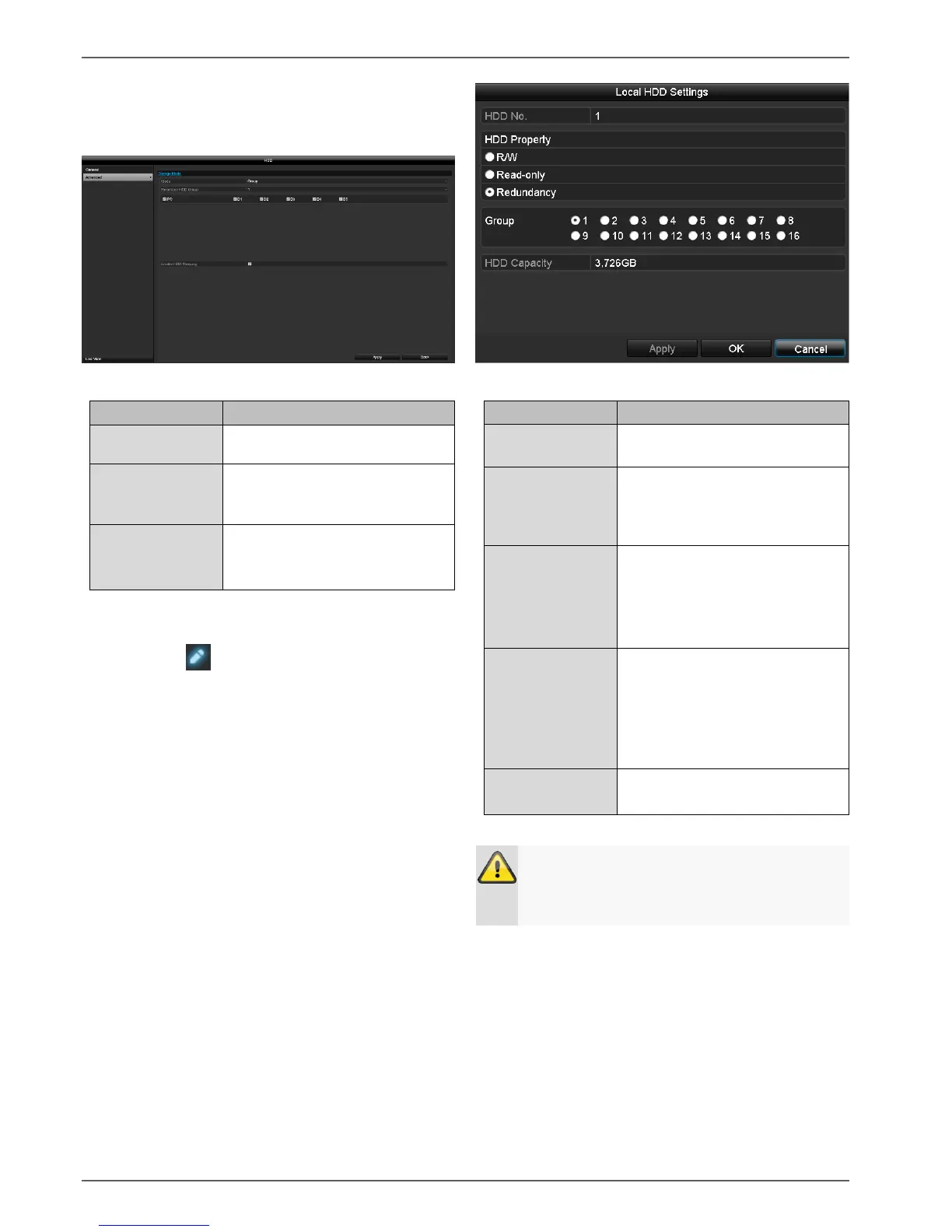
Mode: Group
In this mode, video data can be specifically (and also
redundantly) stored on selected data storage devices.
Select which cameras should be
stored in the group currently
selected.
When this function is activated,
idle hard disk drives go into
standby mode.
The HDD groups are configured in the General menu. To
do this, click on to open the HDD group settings.
Internal hard disk drive number
for the recorder.
In this mode, video data is
written onto the data storage
device and can also be read
(default setting).
In this mode, no video data is
written onto the data storage
device. This setting is useful if
you want to stop data from being
overwritten after an event.
In this mode, video data is stored
in parallel. All data storage
devices with the R/W setting are
also stored on all data storage
devices with the "Redundancy"
setting.
Allocate the data storage device
to an HDD group.
If only one hard disk drive is installed and this is
set to "Read-only", the device cannot be used for
recording.



 To Next Page