Panic recording
51
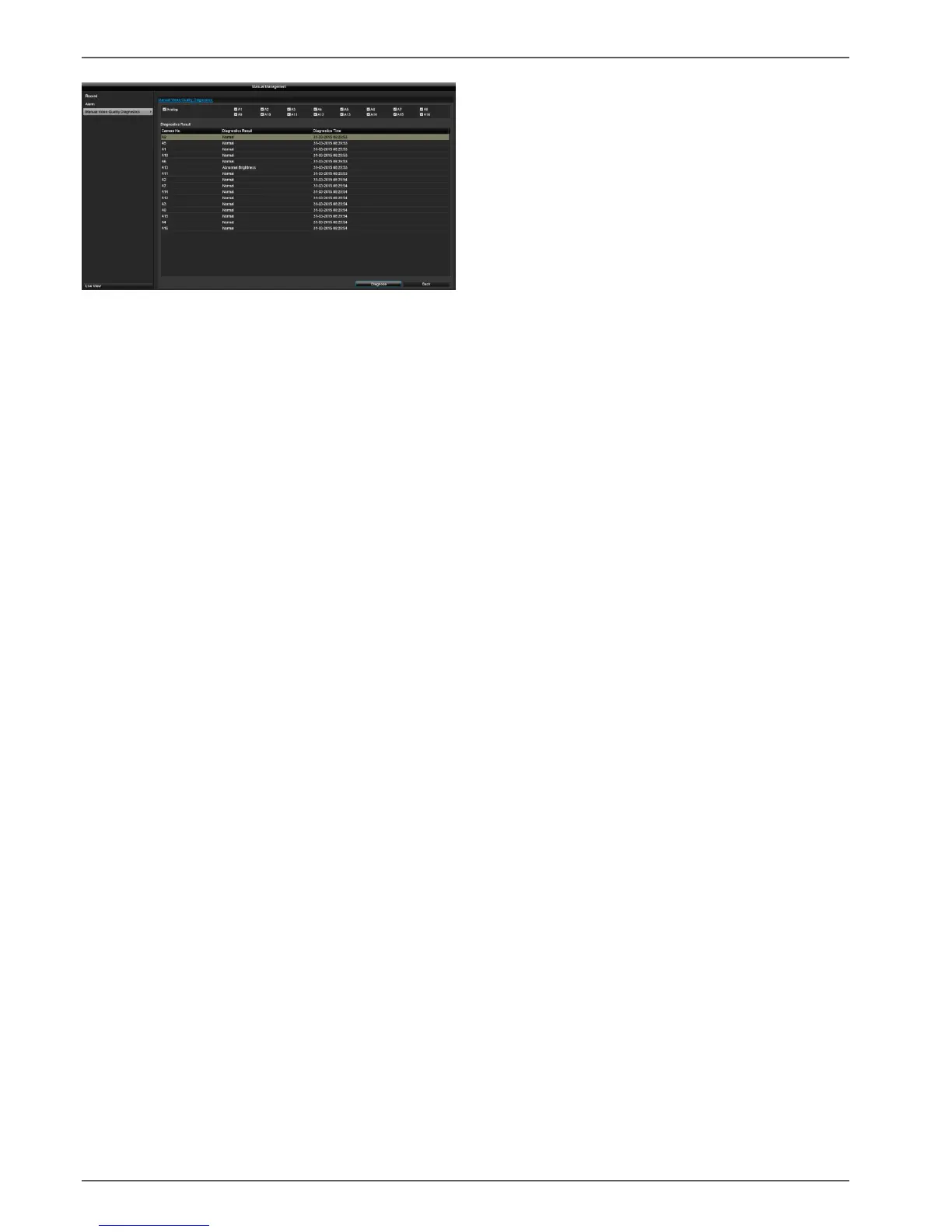
By pressing the "Diagnose" button, manual analysis is
started. Adjust the settings under the Camera menu if the
diagnose result produces an error message (blurred
image, colour cast etc.) even if the image settings are
correct.
The diagnose result "Normal" indicates a correct camera
image.



 To Next Page