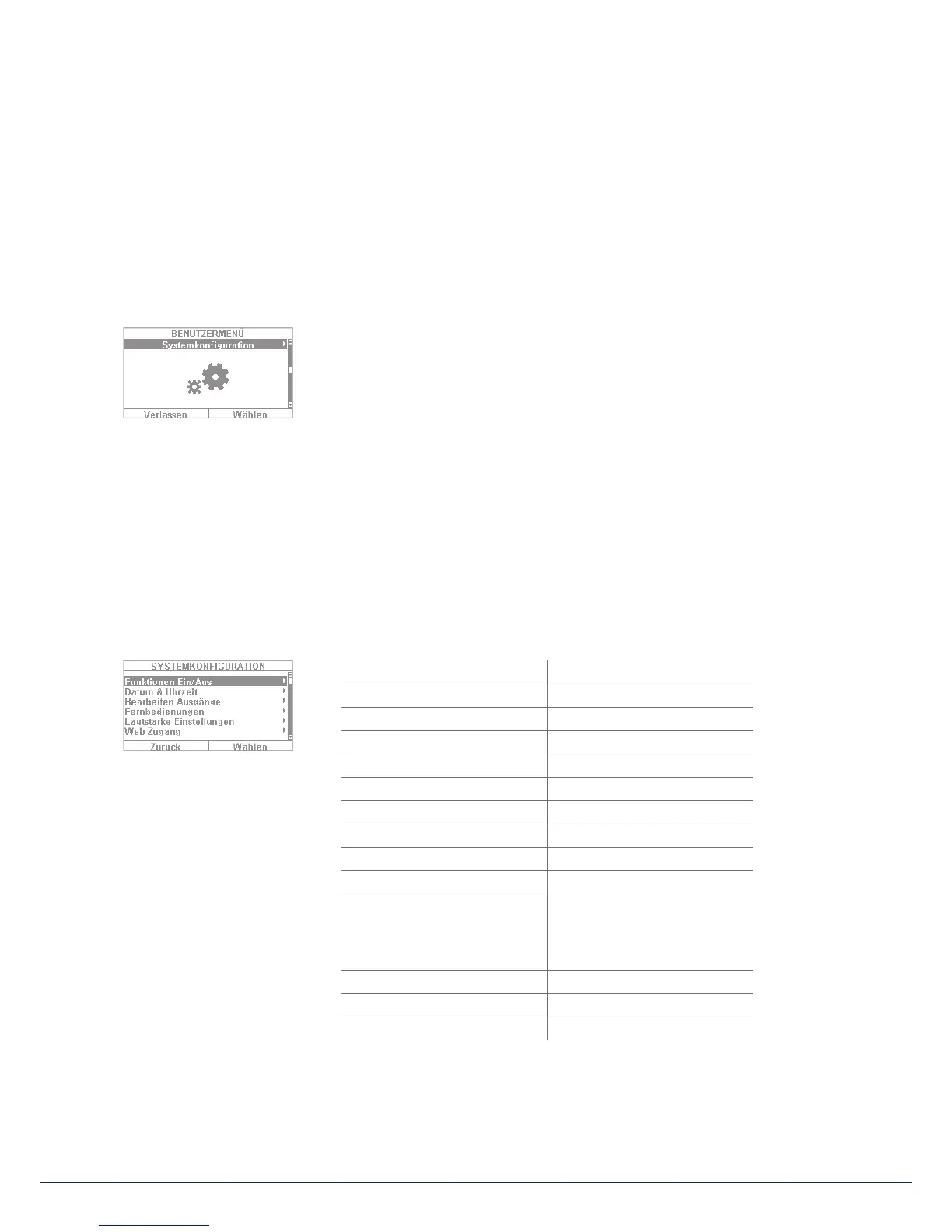
10. User menu
10.4 Outputs on/o
If your installer has con gured the outputs as the “user de ned” type, you can switch them on and o here.
10.5 System configuration
The following settings can be de ned in the system con guration:
• On/o functions: settings for certain special functions such as door bell and
voice messages.
• Date & time: setting for the date and time
• Remote controls: reprogramming of key assignments for remote controls
• Volume settings: setting for the volumes of di erent tones and messages
• Web access: activation/deactivation of web access
• Time schedules active/inactive: Con guration of time schedules for
automatic arming/disarming
10.5.1 On/o functions
Select “Functions” to access the following options. These options will be clari ed in the subsequent sections.
Key front menu Touch front menu
Bell Bell
Voice message Voice message
Activity monitor Activity monitor
Display contrast Display contrast
Backlighting brightness Backlighting brightness
Backlighting for menu keys < hidden >
Backlighting for arm keys < hidden >
Backlighting for number keys < hidden >
Zone name announcement Zone name announcement
Restart Panel
Administrator only
S/W >=1.01.00
hidden for normal users
Restart Panel
Administrator only
S/W >=1.01.00
hidden for normal users
Keypad tones Keypad tones
< hidden > Dynamic backlighting
< hidden > Cleaning mode



 To Next Page