Safety information
10.7.6 Remote controls
If you wish to test the function of a remote control, select this menu and press the di erent keys one a er
the other. The display then indicates which keys have been pressed and what function is assigned to the key
in question. The standard assignment of the remote control is:
Closed padlock Complete arming
Star key Internal arming (= perimeter protection on)
? key Status query
Open padlock Complete disarming
The user assignment is also displayed and the signal level of the triggered remote control, e.g. RSSI:9.
RSSIstands for "received signal strength indication". An RSSI value of "9" indicates an excellent received
signal strength, as the scale for the Secvest runs from 1–9, where 9 is the maximum strength.
10.7.7 Emergency call button
An existing emergency call button (for nursing, panic alarm or medical emergency) can be tested here by
pressing the emergency call button. Depending on which function has been assigned to the emergency call
button, the function of the button is displayed. For example, "PFN alarm" (PFN = nursing emergency call).
Aswith the remote control, the RSSI and user assignment are also displayed.
10.7.8 Telephone call
If your system is equipped with an active telephone interface (PSTN or GSM), you can test the function of the
connection by making a test call. Enter any telephone number. If dialling is successful you get a dial tone.
However, when the other party answers, you can only hear the other party.
If the connection is not activated or is otherwise disrupted, you get the error message "Communication
error". Check the other telephone connections in the house if there are any and contact your specialist
installation contractor if necessary.
Note: You can also recharge the credit for your prepaid GSM SIM card via the GSM telephone connection.
Dial the corresponding service telephone number, follow the instructions and enter your recharge code
using the number keys. The service portal sometimes requires you to use the star key (*) or the hash key
(#) for navigation.These keys can also be used here.
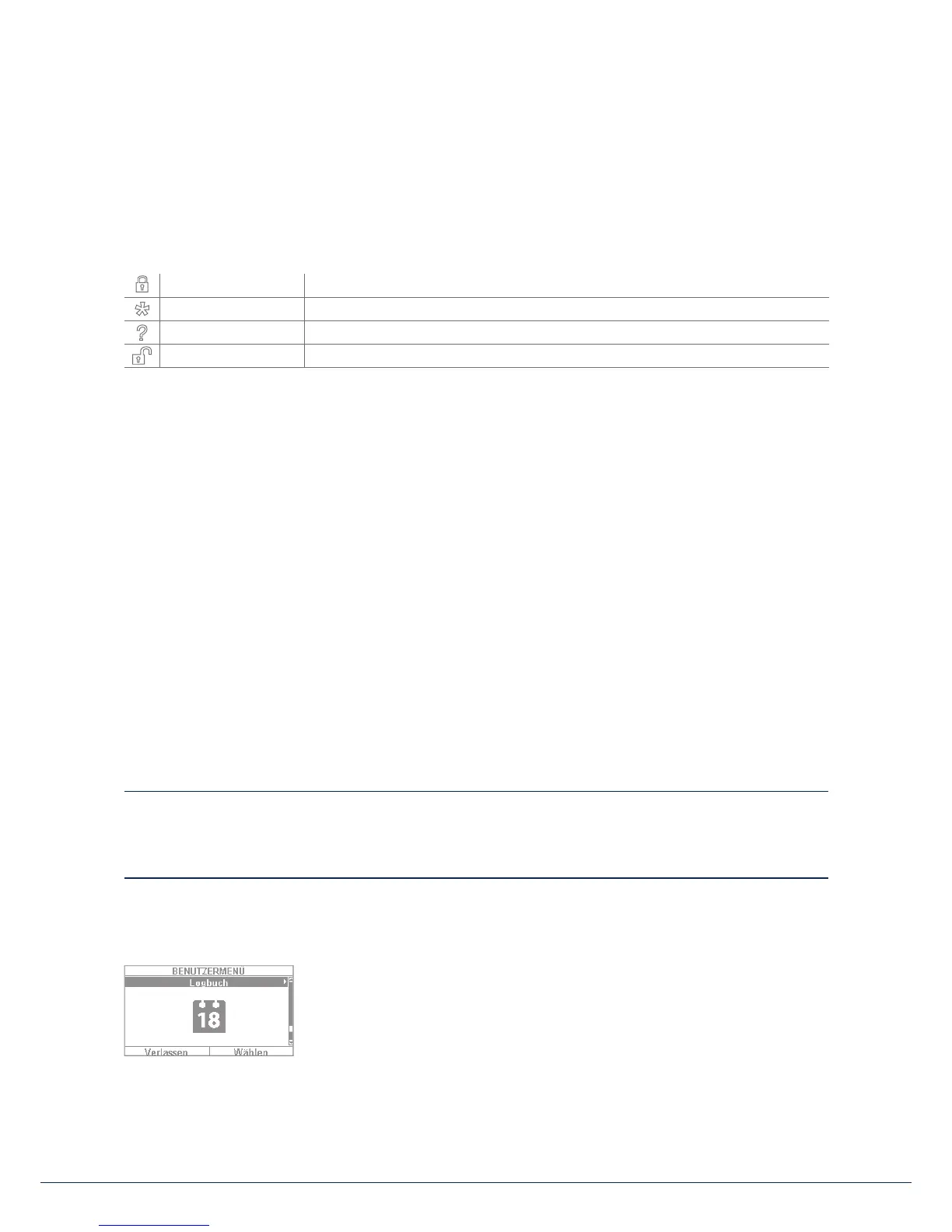
10.8 Log book
You can view the "log book" in this menu. The log book contains all of the
relevant data for the alarm panel including the date and time. The memory can
hold up to 600 entries. If the memory is full, the oldest entry is deleted and
overwritten with the new entry (FIFO principle: rst in rst out). A list of the
di erent log book entries can be found in the appendix under "Log book
overview".
10. User menu



 To Next Page