16. Troubleshooting
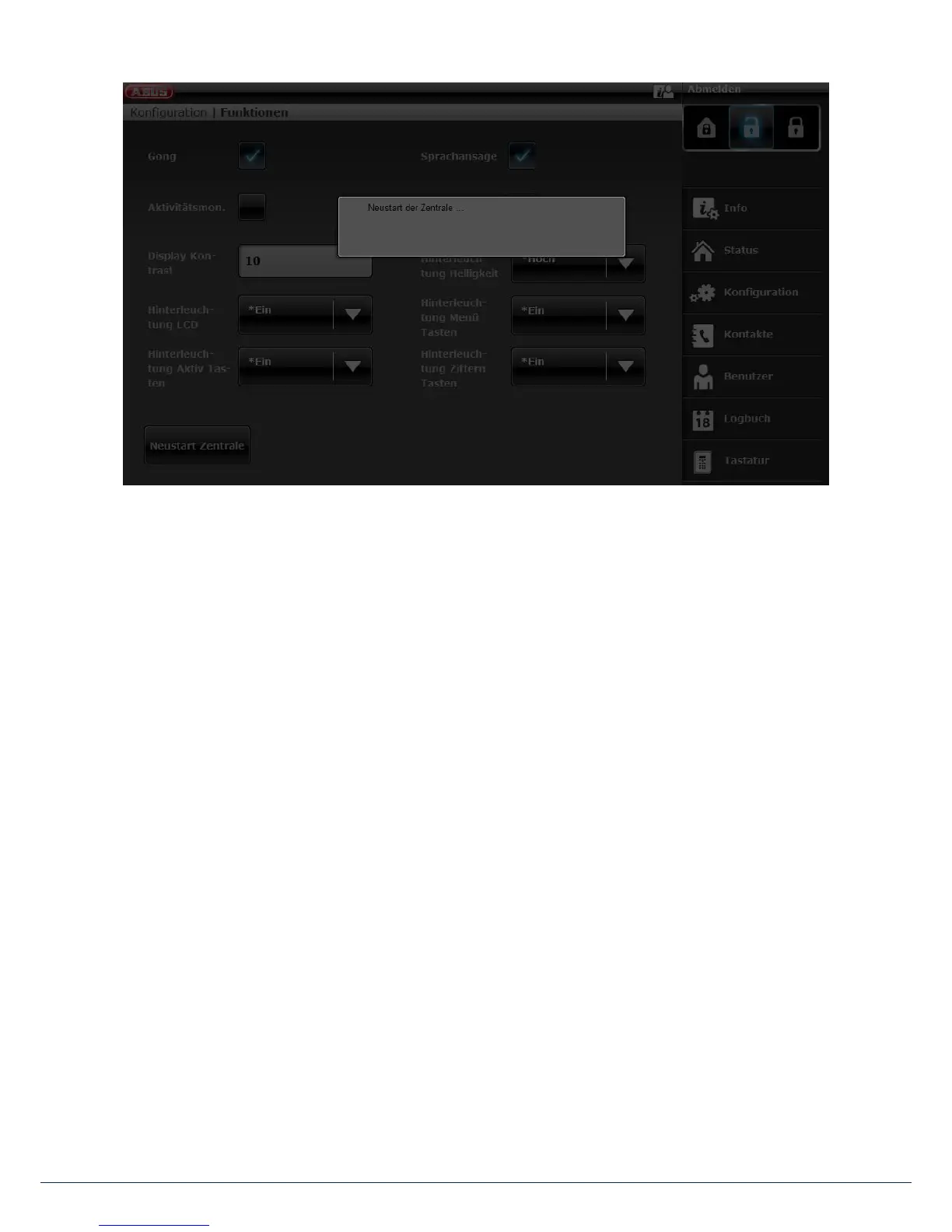
Aer the restart you are automatically logged out of the web server. If you wish to continue working on the
web server, please log in again with your user name and password.
[3] Alarm control panel – "Up" and "Down" navigation keys
Hold down the "Up" and "Down" navigation keys simultaneously for longer than ve seconds.
Installer in installer mode:
If the "Up" and "Down" navigation keys are held down simultaneously for longer than ve seconds,
the alarm panel is restarted immediately
Administrator in the user menu:
If the "Up" and "Down" navigation keys are held down simultaneously for longer than ve seconds,
the alarm panel is restarted immediately.
Alarm panel in standby mode:
If the "Up" and "Down" navigation keys are held down simultaneously for longer than ve seconds,
an access code entry screen appears.
Once a valid installer code or administrator code has been entered and subsequently conrmed with
"Yes" the alarm panel is restarted.



 To Next Page