EVO 150 Controller
20
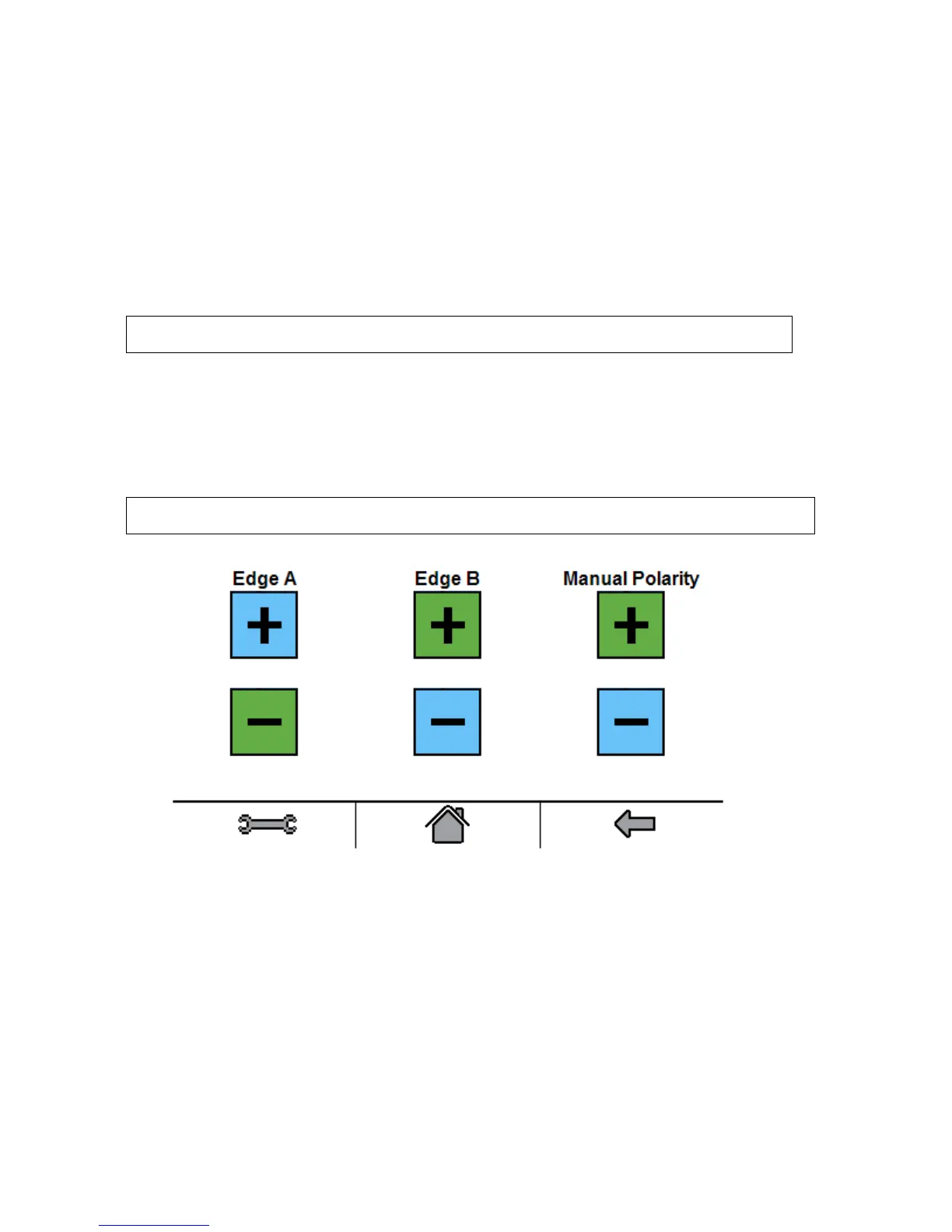
4. The Polarity Settings button allows access to the: Edge A Polarity, Edge B Polarity, and
Manual Polarity.
With Edge A Polarity set to the negative option, the actuator will move out when edge detector
A is unblocked. This is the default setting.
With Edge A Polarity set to the positive option, the actuator will move out when edge detector
A is blocked.
With Edge B Polarity set to the negative option, the actuator will move OUT when edge
detector B is unblocked.
With Edge B Polarity set to the positive option, the actuator will move out when edge detector
A is blocked. This is the default setting.
Note: For typical center line guiding applications the Edge Polarities are set opposite to each
other.
With Manual Polarity set to the positive option, the actuator extends when the OUT button is
pressed and retracts when the IN button is pressed while in Manual mode. This is the default
setting.
With Manual Polarity set to the negative option, the actuator retracts when the OUT button is
pressed and extends when the IN button is pressed while in Manual mode.
Note: The manual polarity only affects the operation of the push button, it does not change the
direction of operation for actuator limits.



 To Next Page