AccuBeam 3 Digital Line Guide Sensor
72
Calibrate
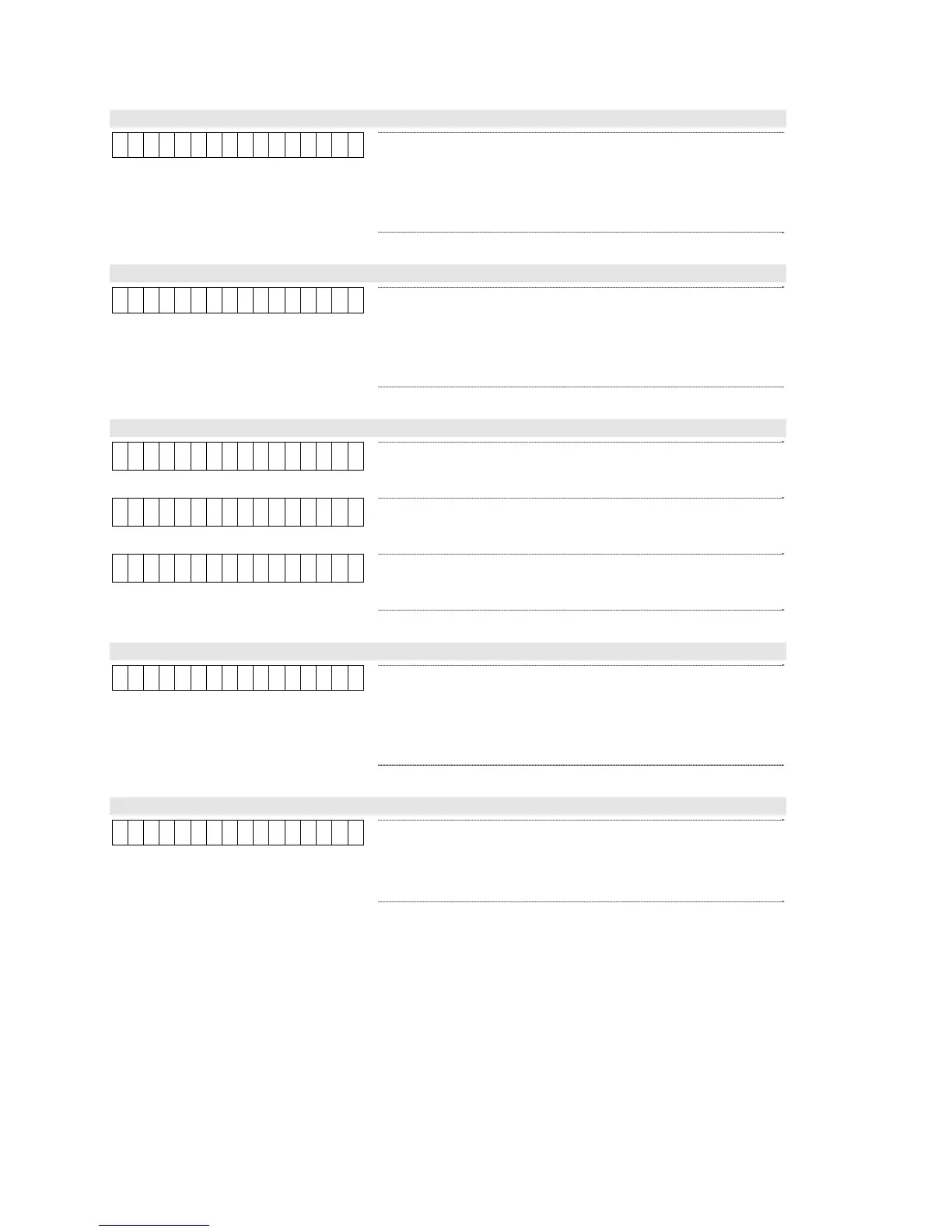
C a l i b r a t e
This parameter initiates the auto-calibration procedure.
This procedure automatically finds the optimum values for
all line and edge tracking parameters. Complete
instructions for using the auto-calibration procedure may
be found on page 65.
LED Color (Tracking Parameter)
L E D C o l o r B l u e
This parameter selects the color of the light source. Selec
a color that maximizes the contrast between the line o
edge and background material. This contrast value is
displayed in the lower right corner of the display. The
default value is Blue.
Range: Blue, Red, Green
LED Angle (Tracking Parameter)
L E D A n g l e D i f f
Diffuse: Use this setting for materials with a dull, non-
glossy finish. This is the default value.
L E D A n g l e R e f l
Reflective: Use this setting for highly reflective or glossy
materials.
L E D A n g l e S i d e
Side: Use this setting on holographic materials.
Filter (Tracking Parameter)
F i l t e r 4
This parameter helps the sensor ignore scratches,
smudges, and other stray marks by deliberately blurring
the image. Higher settings create more blurring, so should
be selected only for wider registration lines or stripes. The
default value is 4.
Range: 4, 8, or 16
Threshold (Tracking Parameter)
T h r e s h o l d 4
This parameter helps the sensor reject low-contrast o
blurry edges. Any edge that has a contrast value lowe
than this threshold will be ignored by the sensor. The
default value is 4.
Range: 1 to 127



 To Next Page