44
To use the Clean Vat function:
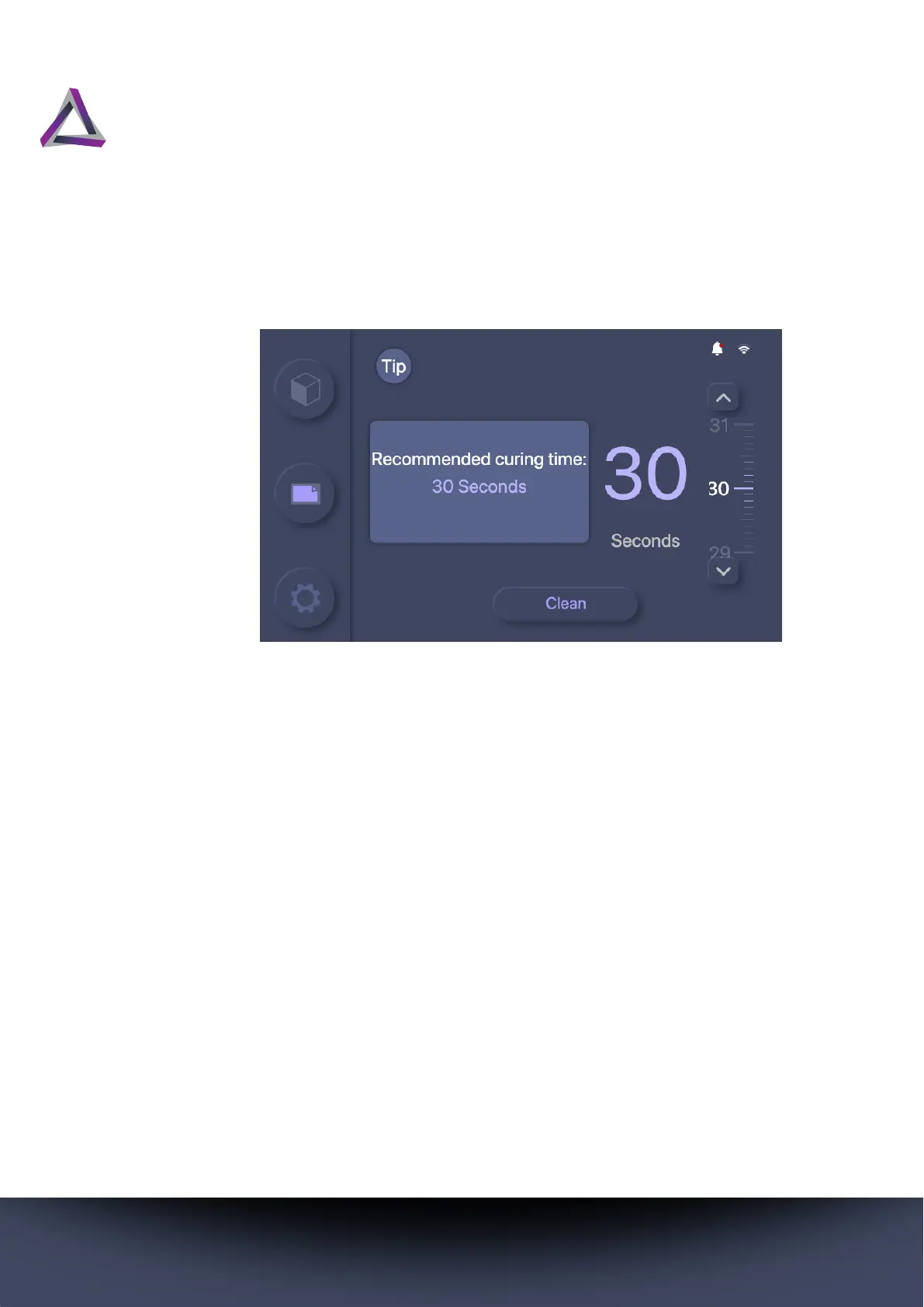
Step 1 Press the Clean button on the Home screen.
Step 2 Click and drag the spinner to set a value for the
length of curing time for the Clean Vat function. You
can also use the up and down arrow buttons to set
the time value in seconds.
• We strongly recommend setting a time that is
three times more than the normal curing time of
the resin.
Step 3 Press the Clean button. The printer cures a layer of
resin at the bottom of the vat.
Step outcome: The printer shows “Clean Finished”
when the process is complete.
Step 4 Remove the vat from your printer and put it flat on
the table so that it is easier to work with.
Step 5 Push the resin away from one side of the vat so that
a corner of the vat film is visible.



 To Next Page