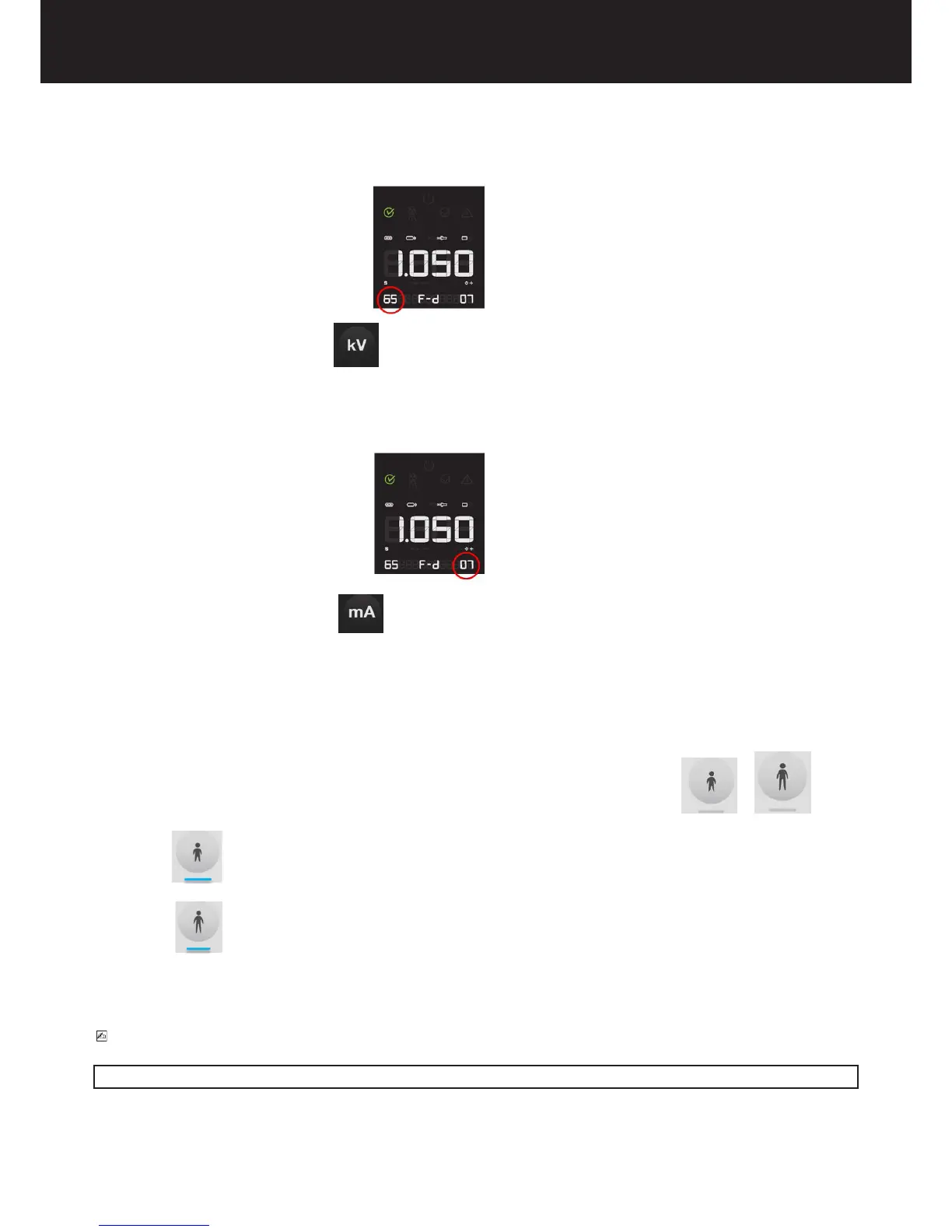
5.3. CHECK THE SELECTED X-RAY TUBE VOLTAGE
The set x-ray voltage will be shown on the display
To change the selected value press “kV” key until you have reached the desired value
It is possible select x-ray voltage among these values: 60kV/65kV/70kV
5.4.CHECK THE SELECTED X-RAY TUBE CURRENT
The set x-ray current will be shown on the display
To change the selected value press “mA” key until you reached the desired value
It is possible select x-ray current among these values: 4-7mA (±1mA step)
• 4 mA
• 5 mA
• 6 mA
• 7 mA
5.5.CHECK THE SELECTED TYPE OF PATIENT
The led (at the bottom of the key) relevant to the selection of the desired patient size should be illuminated or
led CHILD ON indicates that the x-ray system is set for a patient with a small physique
led ADULT ON indicates that the x-ray system is set for a patient with a large physique
Alternately pressing this button switches from child to adult settings.
PLEASE NOTE
After the modication, the default exposure values will be automatically changed















 To Next Page