PLEASE NOTE
FUNCTIONING OF THE X-MIND unity light
By default setting, the X-MIND unity light (when installed) is ON (lit) when the X-MIND unity is in ARMED mode .
When the X-MIND unity goes in stand-by or is switched off, the X-MIND unity light will go out.
For additional information concerning the functioning of the X-MIND unity light please refer to the Installation & Maintenance Manual
5.15. TRANSPORT AND POSITIONING OF THE MOBILE STAND
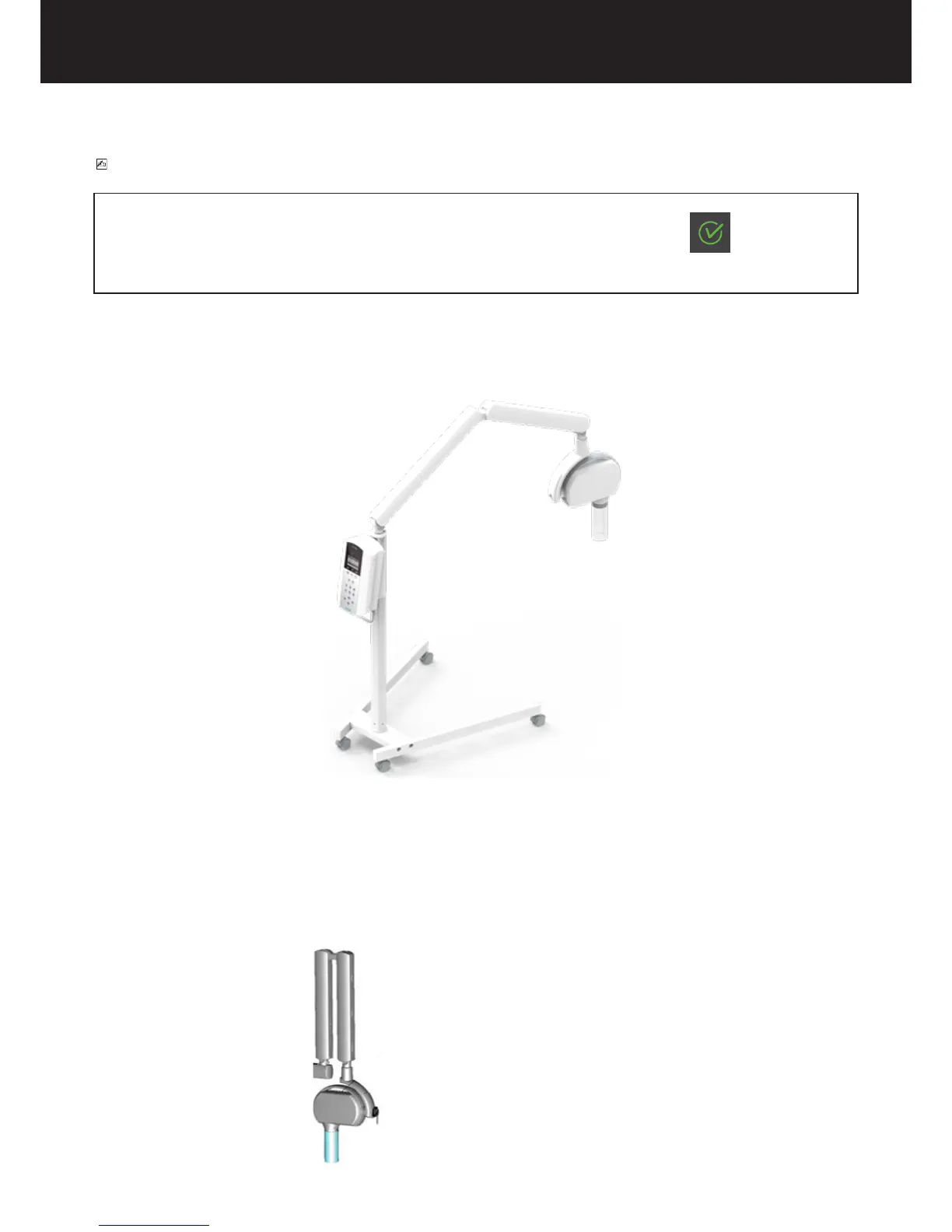
X-MIND Unity has also mobile version and it is sustained by the stand as shown in the following gure:
Generally, X-Mind Unity mobile version can be in the two following positions:
1. Transport position
2. Operative position
The following steps should be taken in order to transport the mobile version of the device:
1. Unplug the power supply cable
2. Close the scissor arm















 To Next Page