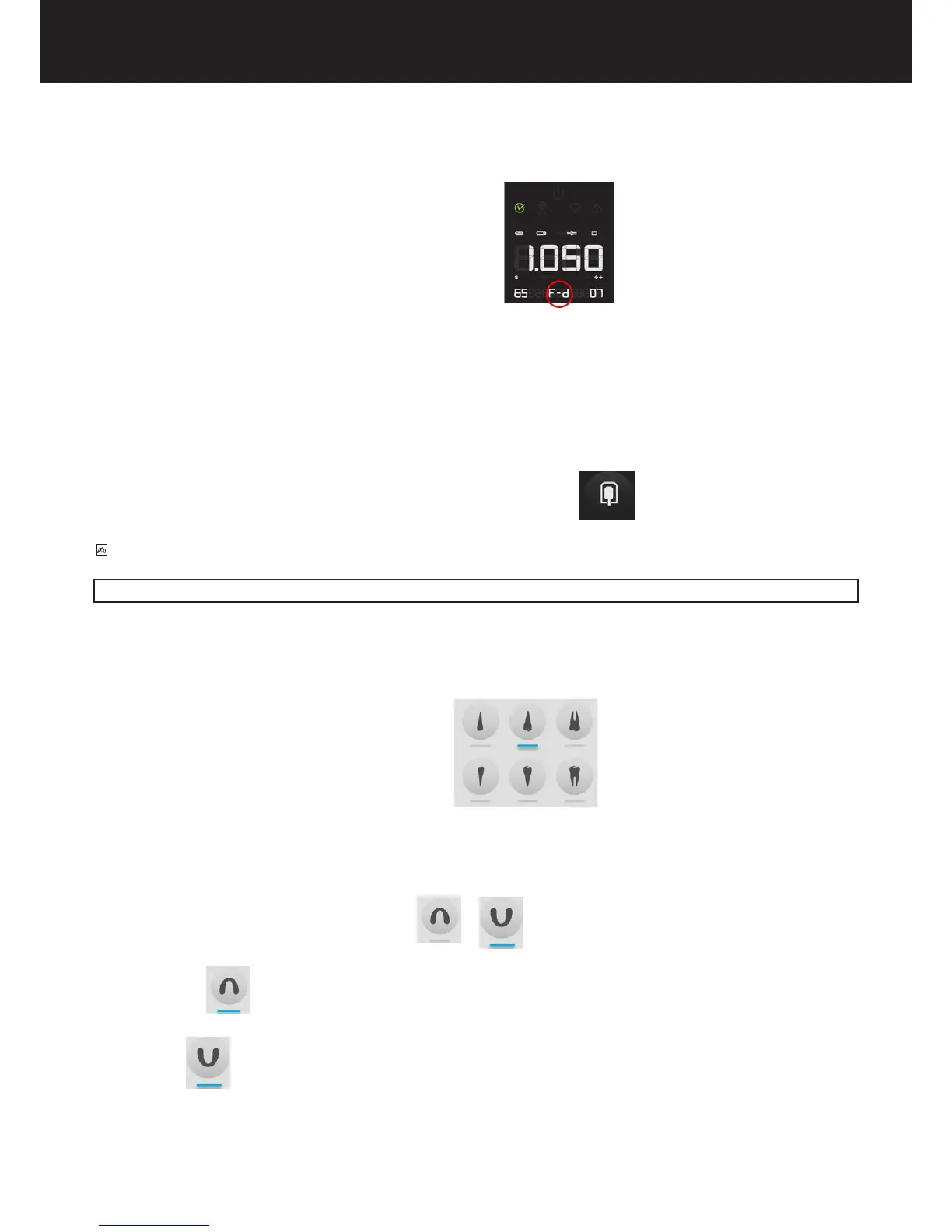
5.6.CHECK THE SELECTED X-RAY DETECTOR SUPPORT (FILM/DIGITAL/PSP)
The letter of the desired speed lm or sensor will be shown on the display
- letter D indicates that the x-ray system is set for use with D speed lm
- letter E indicates that the x-ray system is set for use with E speed lm
- letter F indicates that the x-ray system is set for use with F speed lm
- ACE indicates that the x-ray system is set for use with the integrated Sopix/Sopix2 Inside sensor system and with the ACE system activated
from the X-MIND unity side (refer to specic chapter 5.10 for more information
- Digit indicates that the x-ray system is set for use with external digital x-ray sensors
- PSP indicates that the x-ray system is set for use with external phosphor plates
Changing the selection:
To change the selected value press the dedicated key until reaching the desired setting.
PLEASE NOTE
After the modication, the default exposure values will be automatically changed.
5.7.CHECK THE SELECTED EXAM TYPE
5.7.1. PERIAPICAL EXAM
The led at the bottom of the selected teeth should be illuminated
The upper row identies the elements relevant to the upper jaw, the lower row identies the elements relevant to the lower jaw.
To change the selection: press the key relative to the desired tooth
5.7.2. OCCLUSAL EXAM
The led of the selected type of exam should be illuminated or
led MANDIBULA ON indicates that the x-ray system is set for occlusal exam of the lower jaw.
led MAXILLA ON indicates that the x-ray system is set for occlusal exam of the upper jaw.
To change the selection: Press the button again















 To Next Page