PLEASE NOTE
After a period of inactivity, the timer goes automatically in stand-by mode (only the green led on the display is illuminated). In this state,
the system is not armed and therefore, is not possible to perform x-ray exposures.
To re-activate the control unit into armed mode just press any key on the keypad.
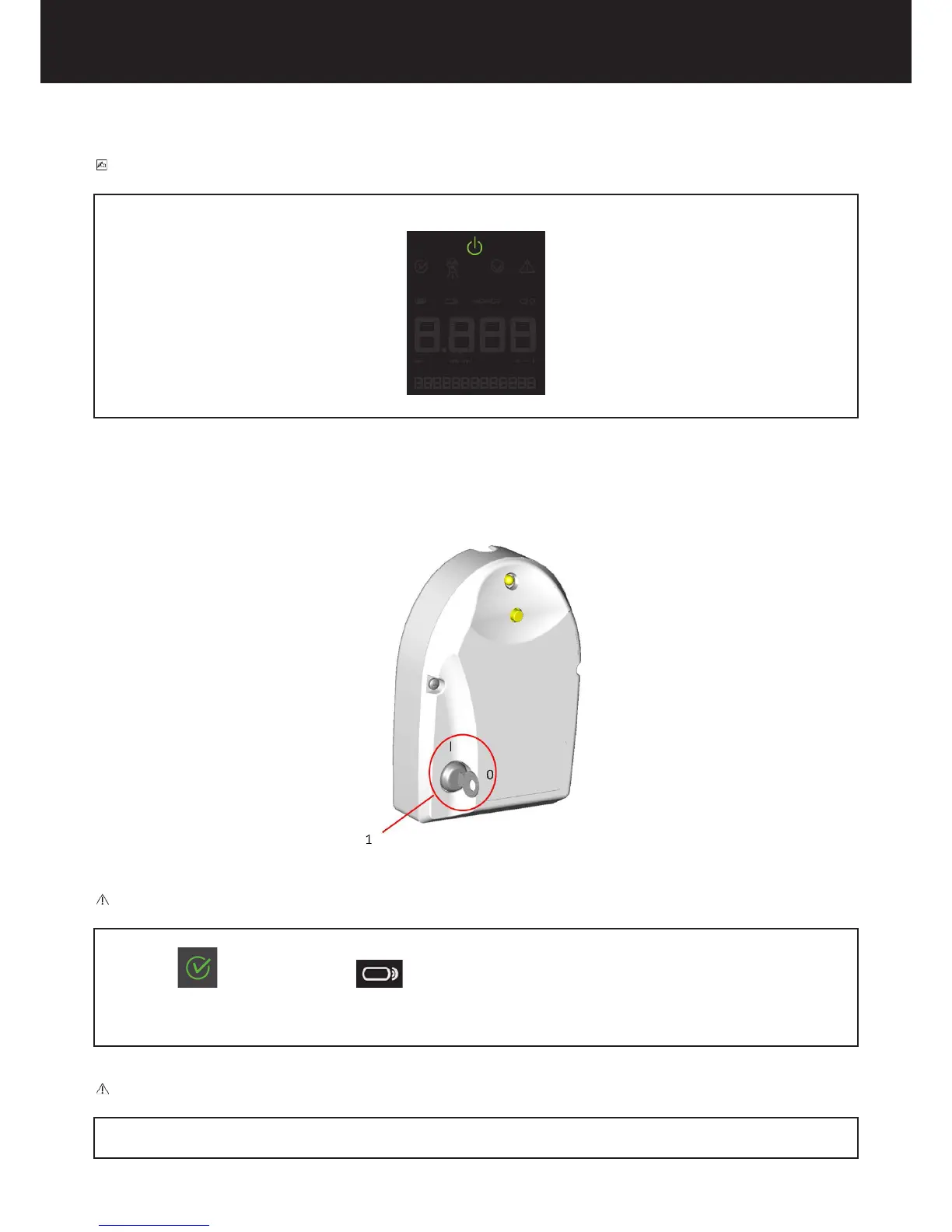
The X-MIND unity remote exposure switch.
1=Safety key switch
CAUTION
If a remote exposure switch is installed and the system is on, both the remote and local exposure switches are activated.
If the “ready” and the “remote switch” icon are illuminated on the control unit the system will emit x-rays when the
remote exposure switch is pressed.
It is mandatory to disable the control unit by turning the safety key to “0” and remove the key to avoid accidental exposures when not in
use.
CAUTION
It is extremely important not to use a remote exposure switch other than the original part provided by de Götzen S.r.l. – Acteon Group for
operating the X-MIND unity.















 To Next Page