Product Manual
14
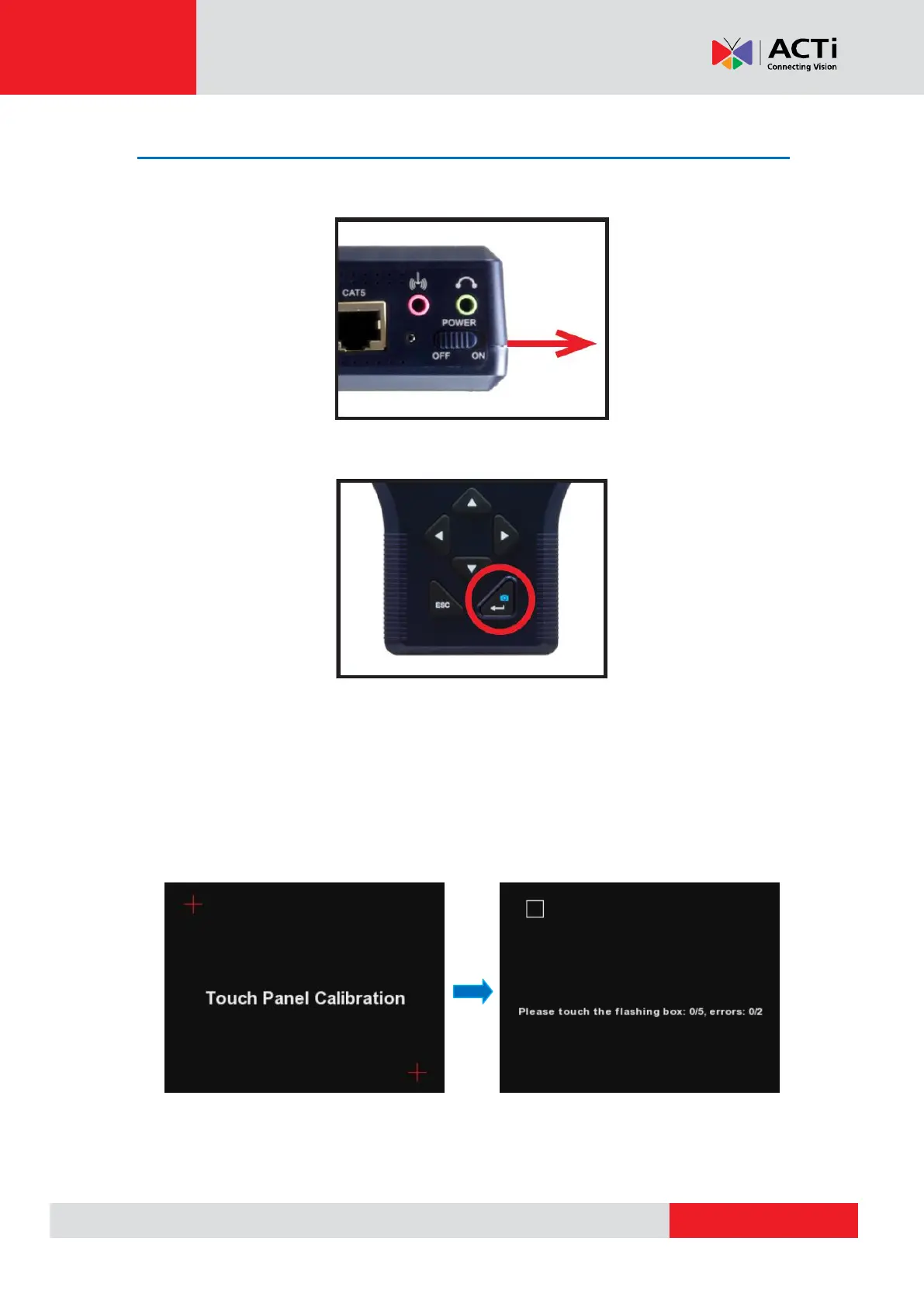
Powering On the Device
1. Slide the Power Switch to ON.
2. Press and hold the Power Key for at least 3 seconds. The Power Indicator LED lights up.
NOTE: The boot up process may take a while to complete.
Touch Panel Calibration
For first-time use, the Touch Calibration screen appears. Using the stylus, follow the on-screen
instructions to complete the calibration.



 To Next Page