Product Manual
36
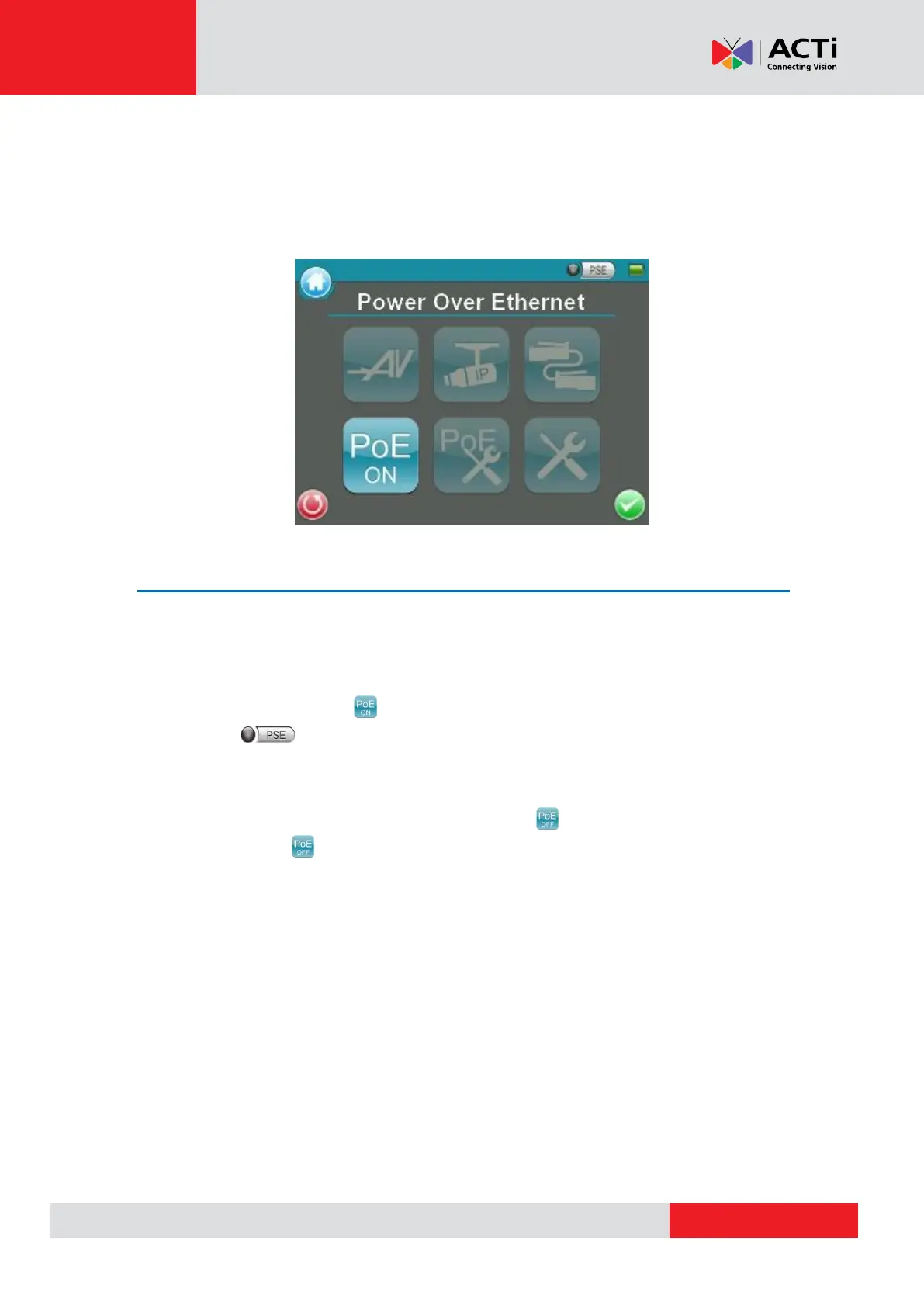
Power over Ethernet (PoE)
The Camera Installation Kit can function as the power sourcing equipment (PSE) and provide
power to IP Cameras that are PoE / PoE Plus enabled.
Enable PoE
Step 1: Connect the Ethernet cable from the IP Camera to the LAN / PoE OUT Port on the
side of the Device.
Step 2: Tap the <PoE ON> icon on the Main Menu to enable the PSE, then the PSE
indicator light will be on, which means the Device is now providing power to the IP
Camera.
Step 3: The <PoE ON> icon will turn into <PoE OFF> when the PoE is enabled. Users
may tap <PoE OFF> to turn off the PoE function.



 To Next Page