Product Manual
41
Video Recording
The Device supports Video Recording, Video Setup, Video File Managing and Video Playback
function for IP Camera live views when necessary.
Record Video
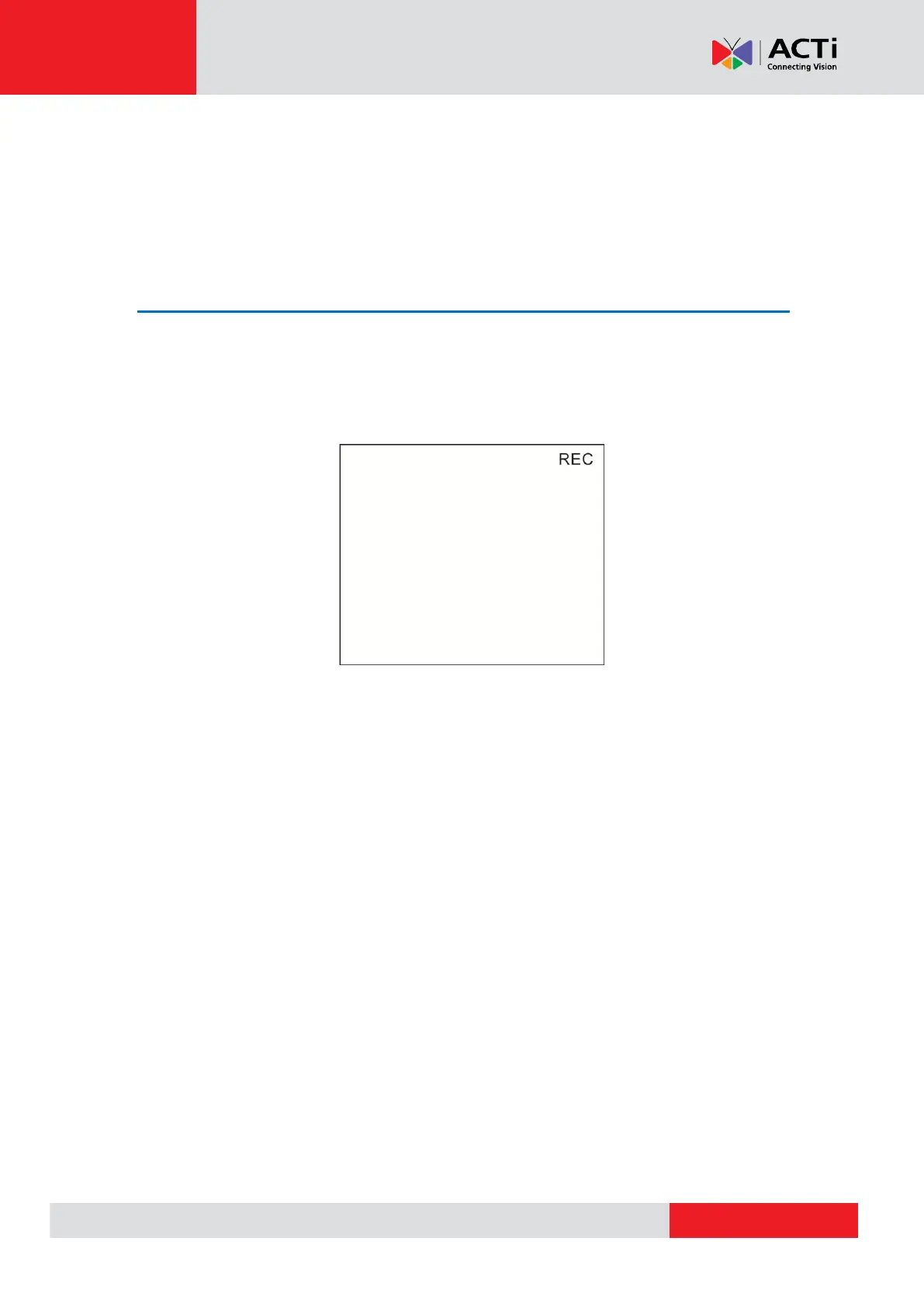
In the IP Camera’s live view mode, tap the white text “REC” on the right top corner of the live view
screen to start Video Recording. During the recording process, the text will be in red. Tap the text
“REC” one more time to stop Video Recording, and the text will be back in white again.



 To Next Page