Product Manual
20
Setup Menu
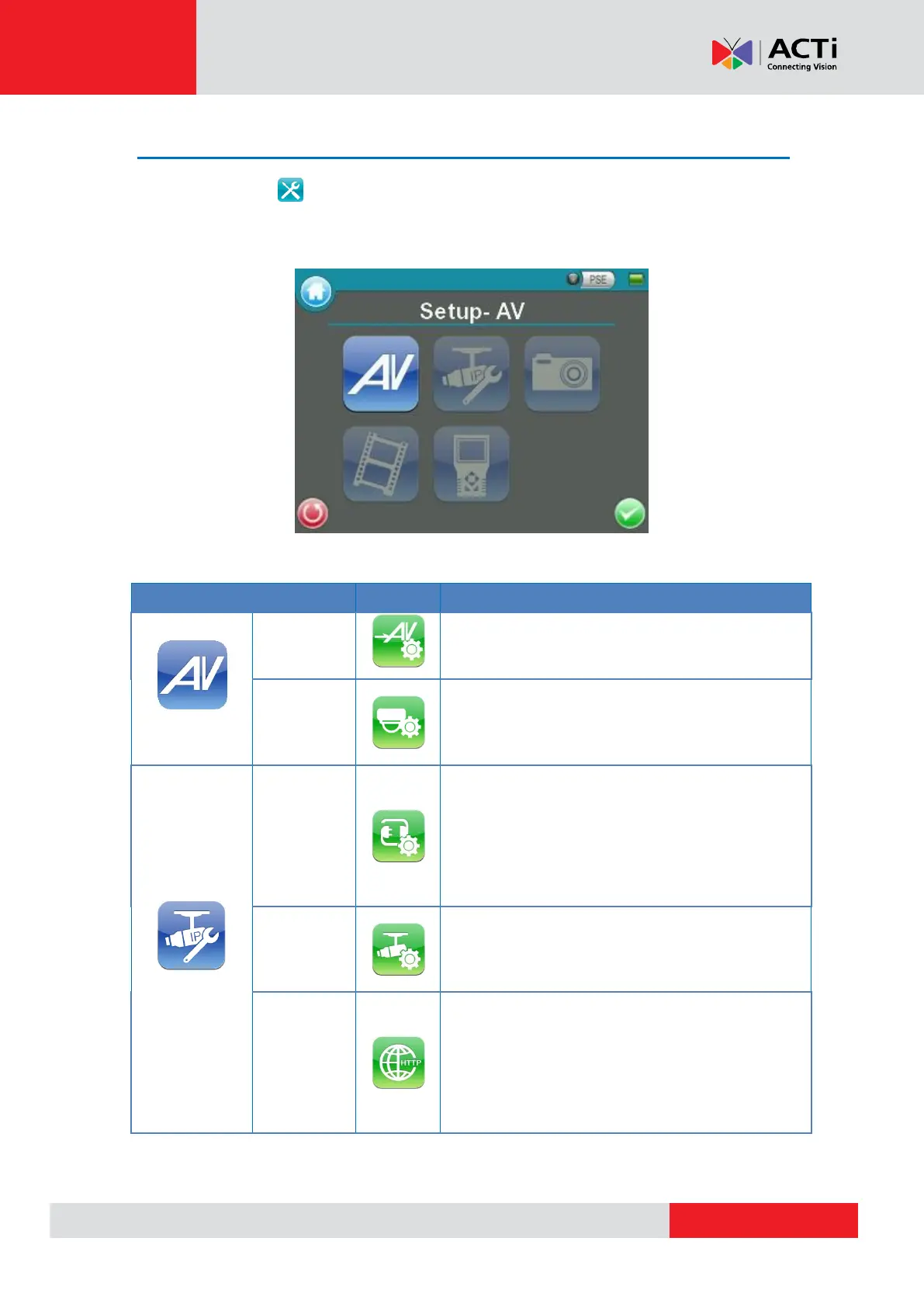
Press the <Setup> button in the Main Menu, and you will be automatically directed to the
Setup Menu as shown below.
Adjust analog video’s brightness, contrast and
sharpness.
Configure the Speed Dome Camera’s protocol,
baud rate and ID address.
The Camera Installation Kit’s IP address and
the IP Camera’s basic profile including IP
address, camera type, user name, password
and streaming relevant information can all be
altered here.
Configure the IP Camera’s network settings.
Additionally, it is allowed to load the relevant
settings from an IP Camera to the Device.
Adjust IP Camera video’s brightness, color
level, contrast and sharpness by editing the API
commands. Additionally, it is allowed to import
the relevant API commands from other IP
Camera to the Device.



 To Next Page