Product Manual
47
Setup- IP Connection (Alter Camera Settings)
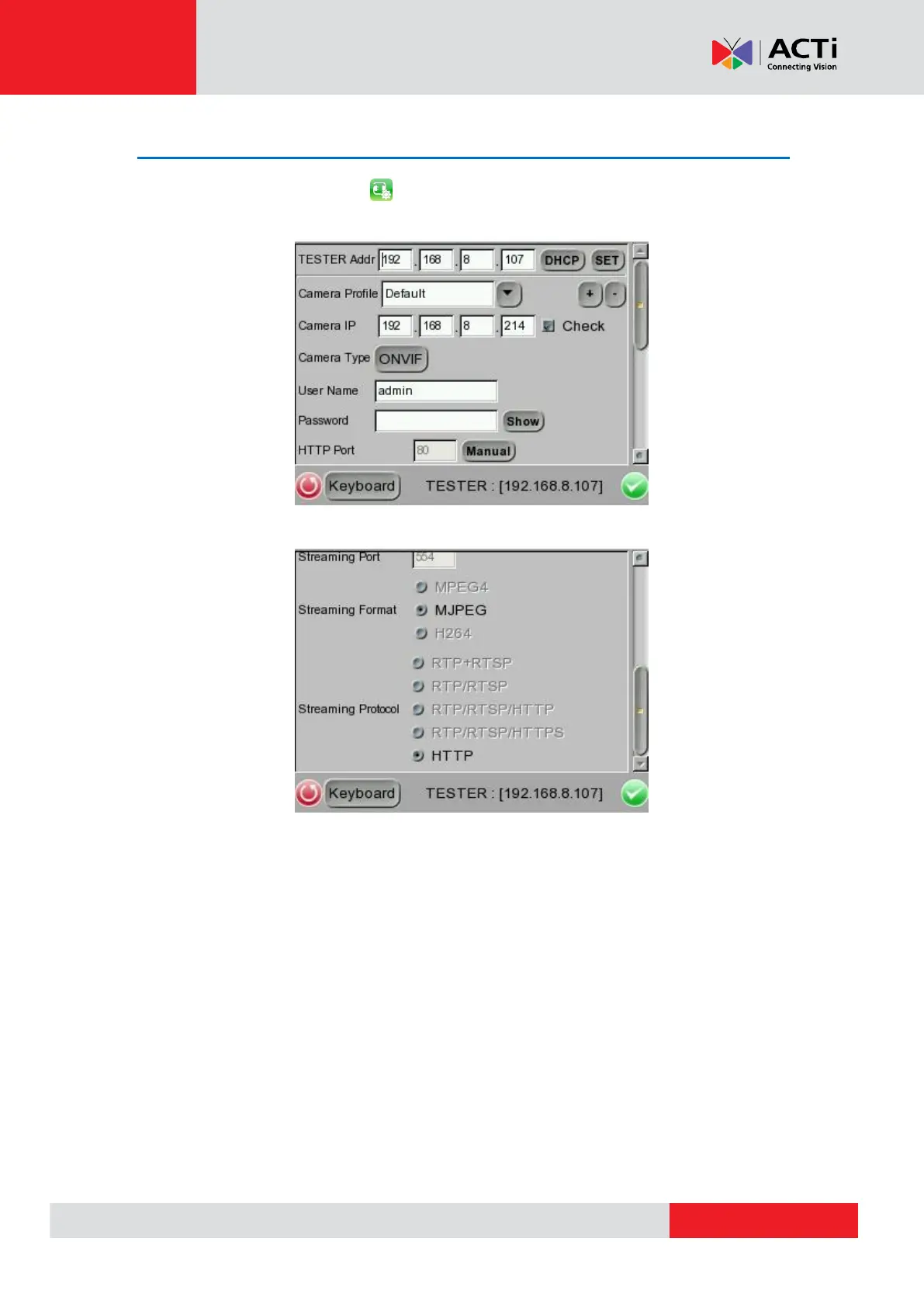
Tap the <Setup- IP Connection> icon and enter its setup page as shown below.
Specify Camera Settings
Please specify the IP address, camera type, user name, password, HTTP Port, streaming
settings (Streaming port / Format / Protocol), etc. of the connected IP Camera in each column by
the stylus touch pen.



 To Next Page