Product Manual
25
Implementing PTZ Control
Step 1: Tap <AV In> button in the Main Menu to enter the live view mode. Meanwhile,
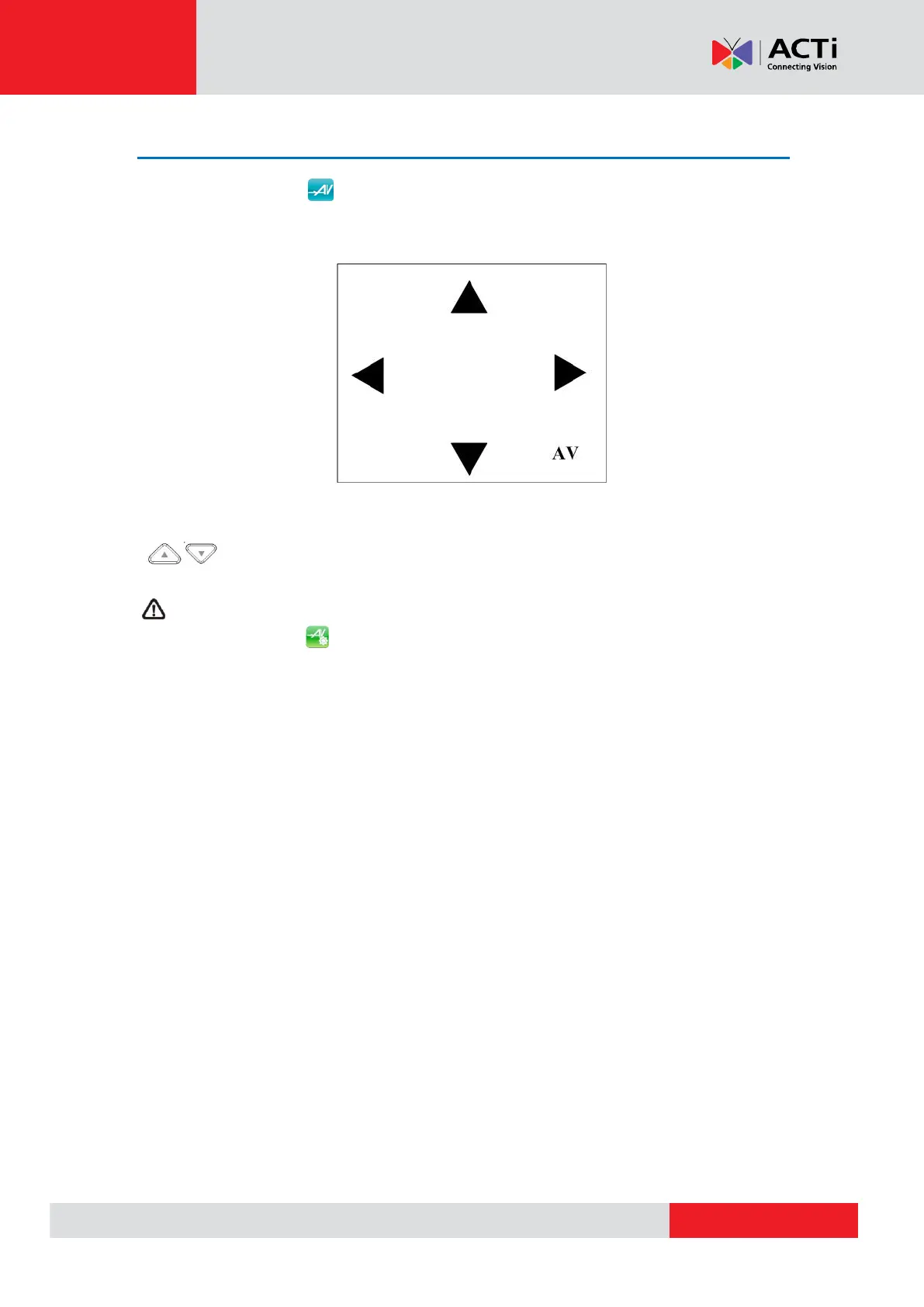
there will be four arrow buttons displayed on the screen as shown below.
Step 2: Tap the arrows on the screen to pan and tilt the camera. And press the Up/Down Keys
( ) on the Device’s button pad for zooming in/out.
Users may adjust video brightness, contrast or sharpness for different live viewing quality in
the <Setup- AV Video> function, which can be accessed by the following path: Setup>
Setup- AV> Setup- AV Video. For more detail, please refer to AV Video Setup on page 42.



 To Next Page