Product Manual
42
AV Video Setup
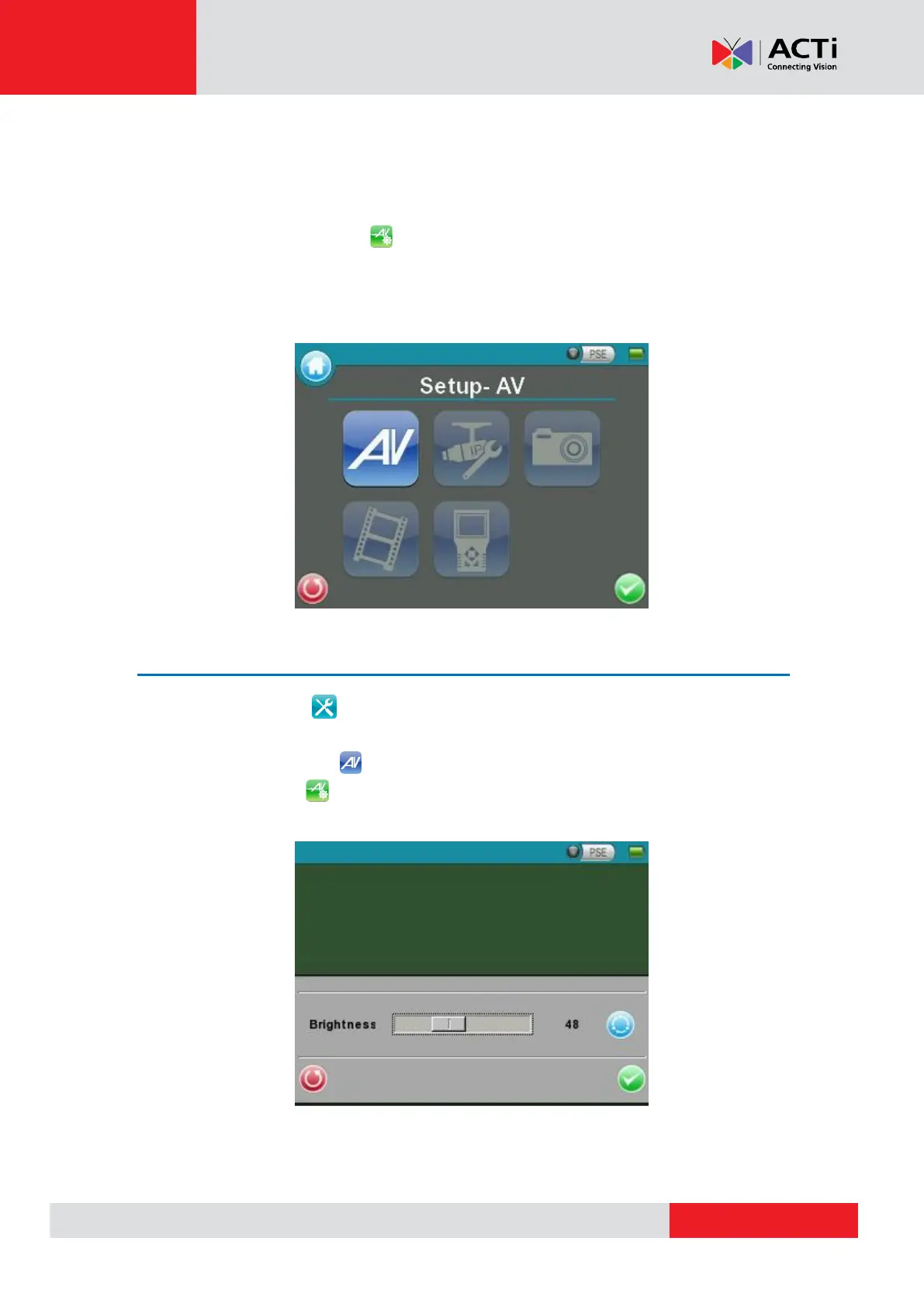
The <Setup- AV Video> can be accessed by the following path: Setup> Setup- AV> Setup- AV
Video. In the <Setup- AV Video> menu, users can adjust analog video’s brightness, contrast
or sharpness for favorable video display on the Device’s LCD screen under different operating
circumstances.
Access <Step- AV Video>
Step 1: Tap <Setup> on the Main Menu and enter the Second Screen.
Step 2: Tap <Setup- AV> on the Setup Menu to enter the AV Setup Screen, and then
tap <Setup- AV Video> to enter the setting page as shown below.
In the <Setup- AV Video> setting page, the live video is displayed on the upper screen.



 To Next Page