Product Manual
18
Screen Layout
Main Menu
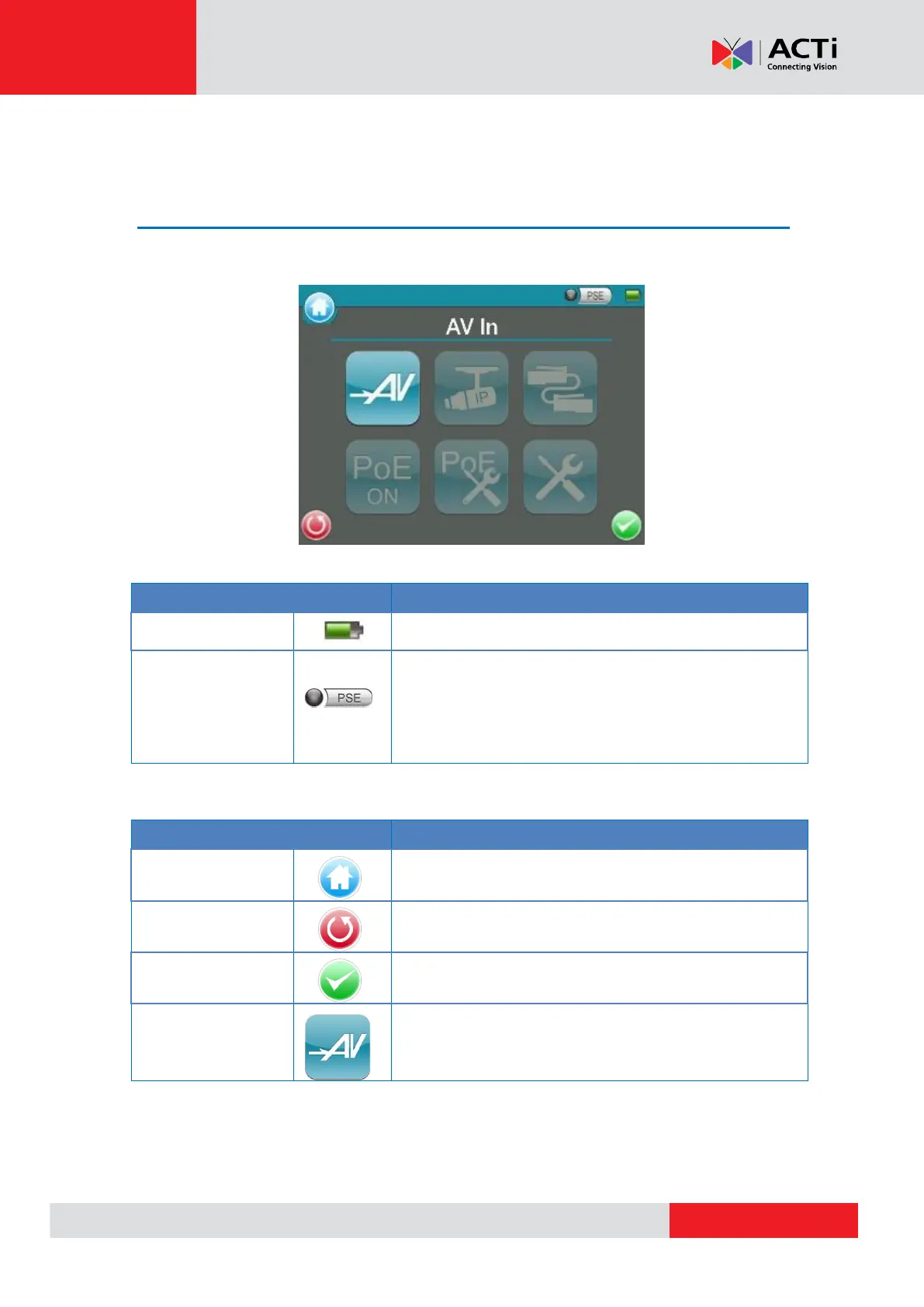
The Main Menu of the Camera Installation Kit is shown as follows:
Status Icons
Indicates the battery level and charging status.
When the Tester is connected to an IP Camera that is PoE
enabled with the Tester’s PoE function on, the PSE button
will be lightened up, and the Camera will consume power
from the Device’s internal battery.
Buttons
Click on this icon to go back to the previous page.
Enter the submenu of a function or to save settings.
View the video display on the LCD screen via the video
output of the BNC supported Camera.



 To Next Page