Product Manual
23
Speed Dome Camera Live View
Users can implement a Speed Dome Camera’s PTZ control in the live view mode.
NOTE: Make sure the Speed Dome Camera’s RS-485 lines are correctly connected to the
Device’s RS-485 terminal block, or PTZ control cannot be manipulated here. Please refer to the
PTZ control documentation for more RS-485 information.
Fixed Camera Live View
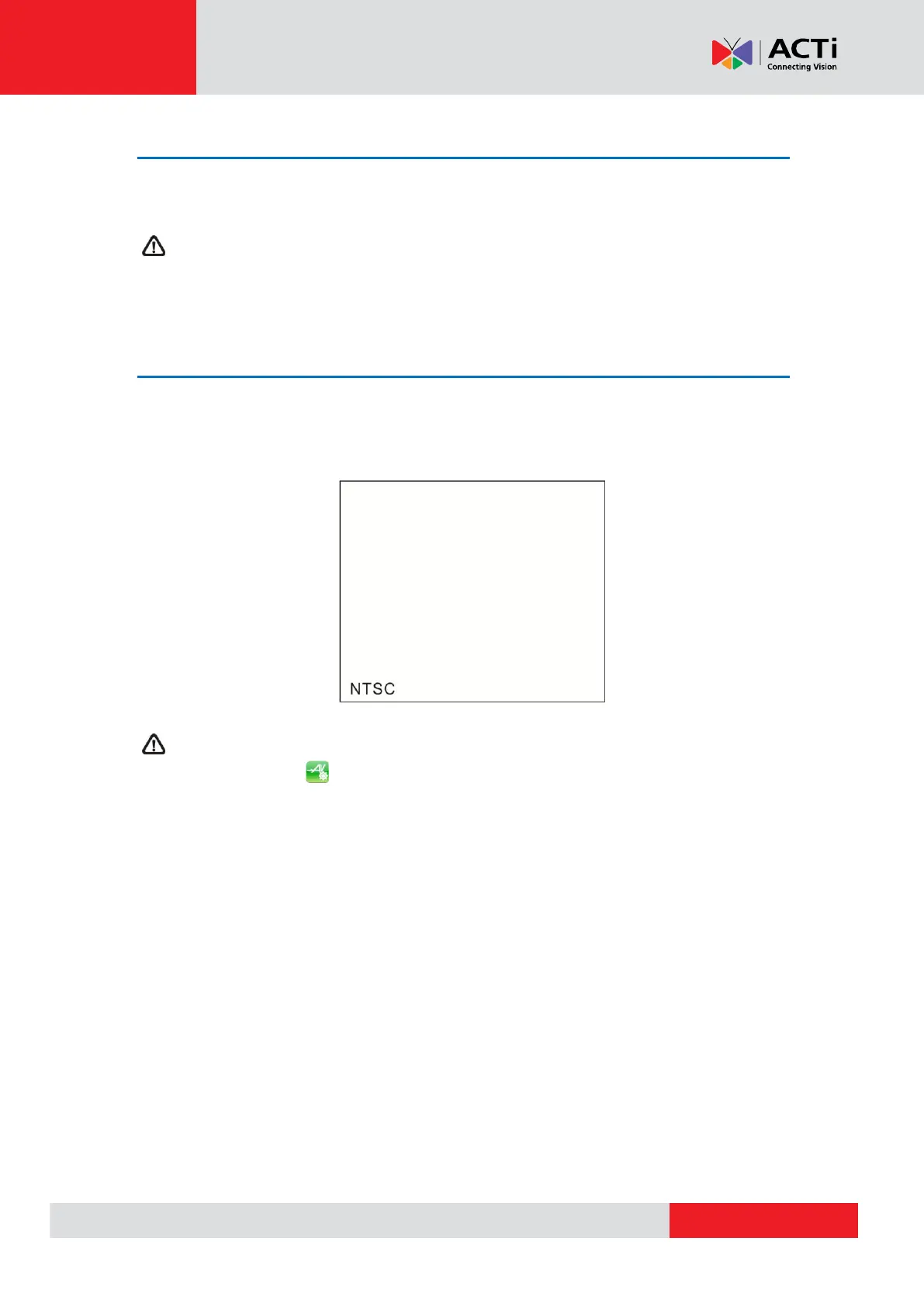
In the Fixed Camera’s live view mode, the TV System (NTSC / PAL) of the Camera will be
displayed on the left bottom of the screen as shown below.
Users may adjust video brightness, contrast or sharpness for different live viewing quality in
the <Setup- AV Video> function, which can be accessed by the following path: Setup>
Setup- AV> Setup- AV Video. For more detail, please refer to AV Video Setup on page 42.



 To Next Page