Product Manual
17
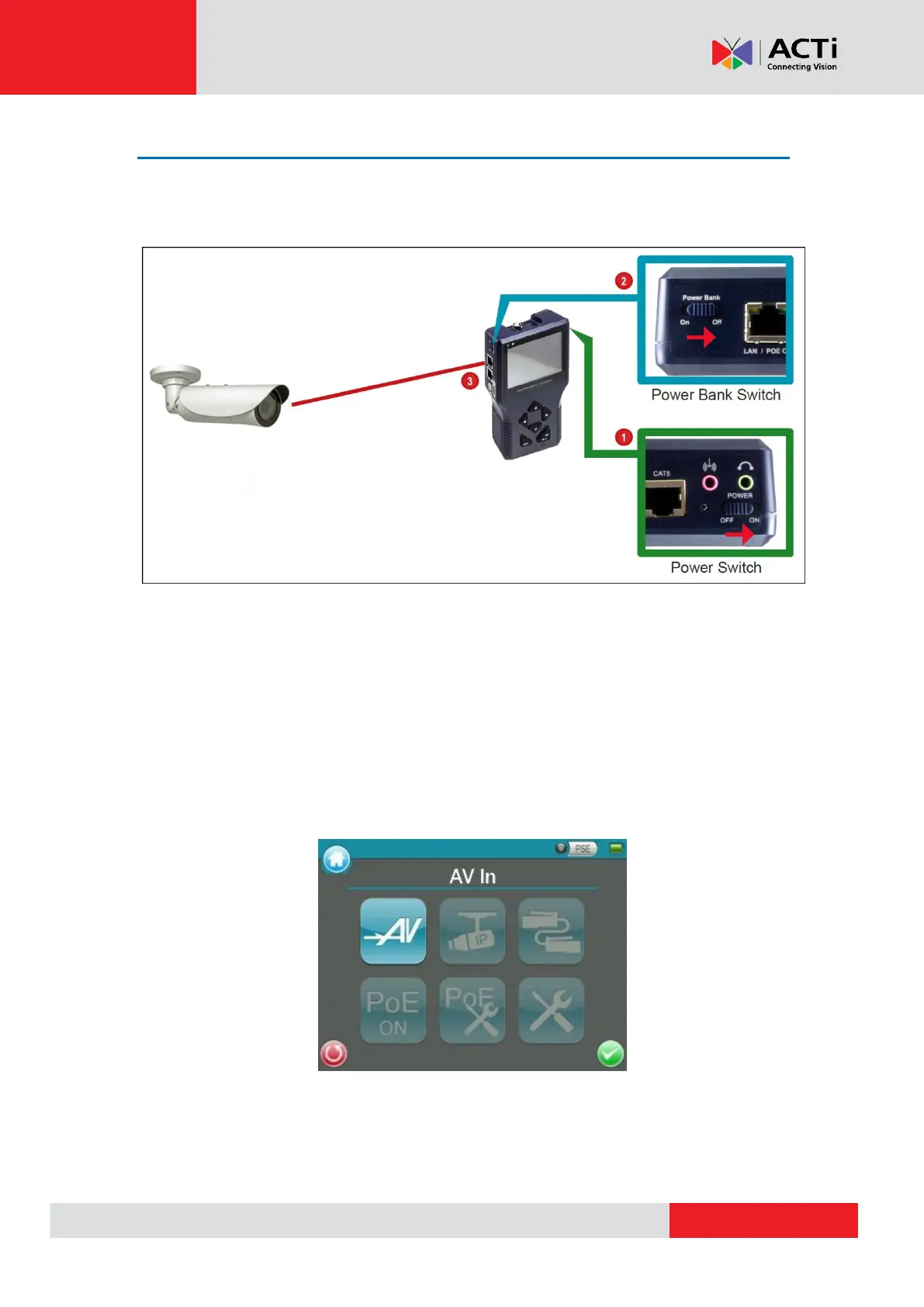
Connecting a Camera to the Device
After installing the IP camera, use the device to power up the camera via Power-over-Ethernet
(PoE).
1. Slide the Power Switch to “ON”.
2. Press and hold the Power Key for at least 3 seconds.
NOTE: The Power Indicator LED lights up. The boot up process may take a while to
complete.
3. Connect one end of the network cable to the camera and the other end to the LAN / POE
OUT port of the device. The Data Indicator LED flashes and the Main Menu appears after the
boot up process completes.



 To Next Page