Product Manual
44
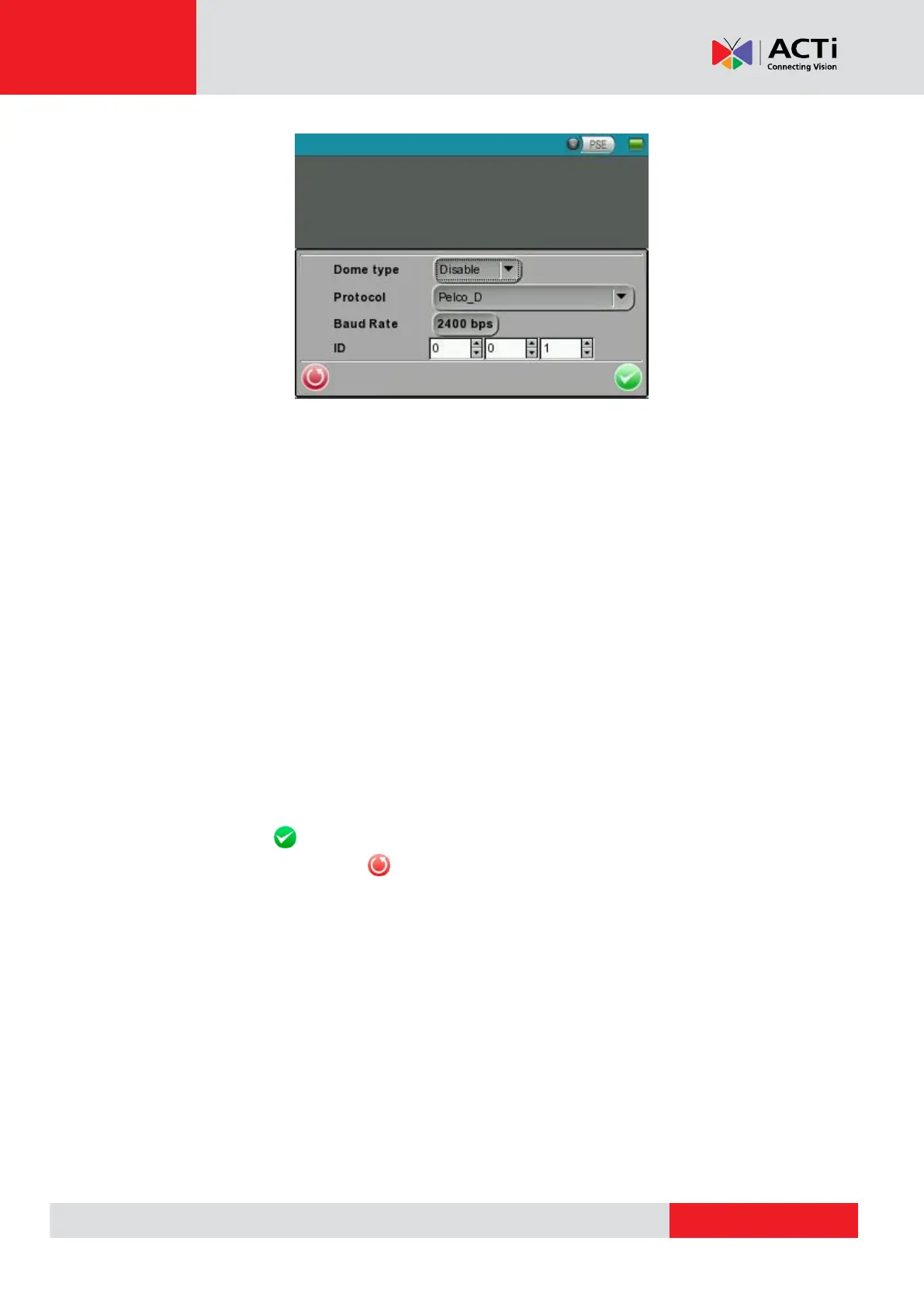
Set the Dome Type
Select <Enable> or <Disable> from the drop-down list of the <Dome Type>. <Enable> means
activating PTZ control on the Camera Installation Kit, while <Disable> indicates disabling PTZ
control on the Device.
Set the Protocol
Select the protocol for the Speed Dome Camera from the drop-down list.
Set the Baud Rate
Select the baud rate for the Speed Dome Camera from the drop-down list.
Set the ID Address
Enter the three-digit ID address.
Tap <Enter/Save> to save all the settings and you will then automatically directed to the
previous page. Or tap <Return> to exit the setting page without saving settings.



 To Next Page