Product Manual
24
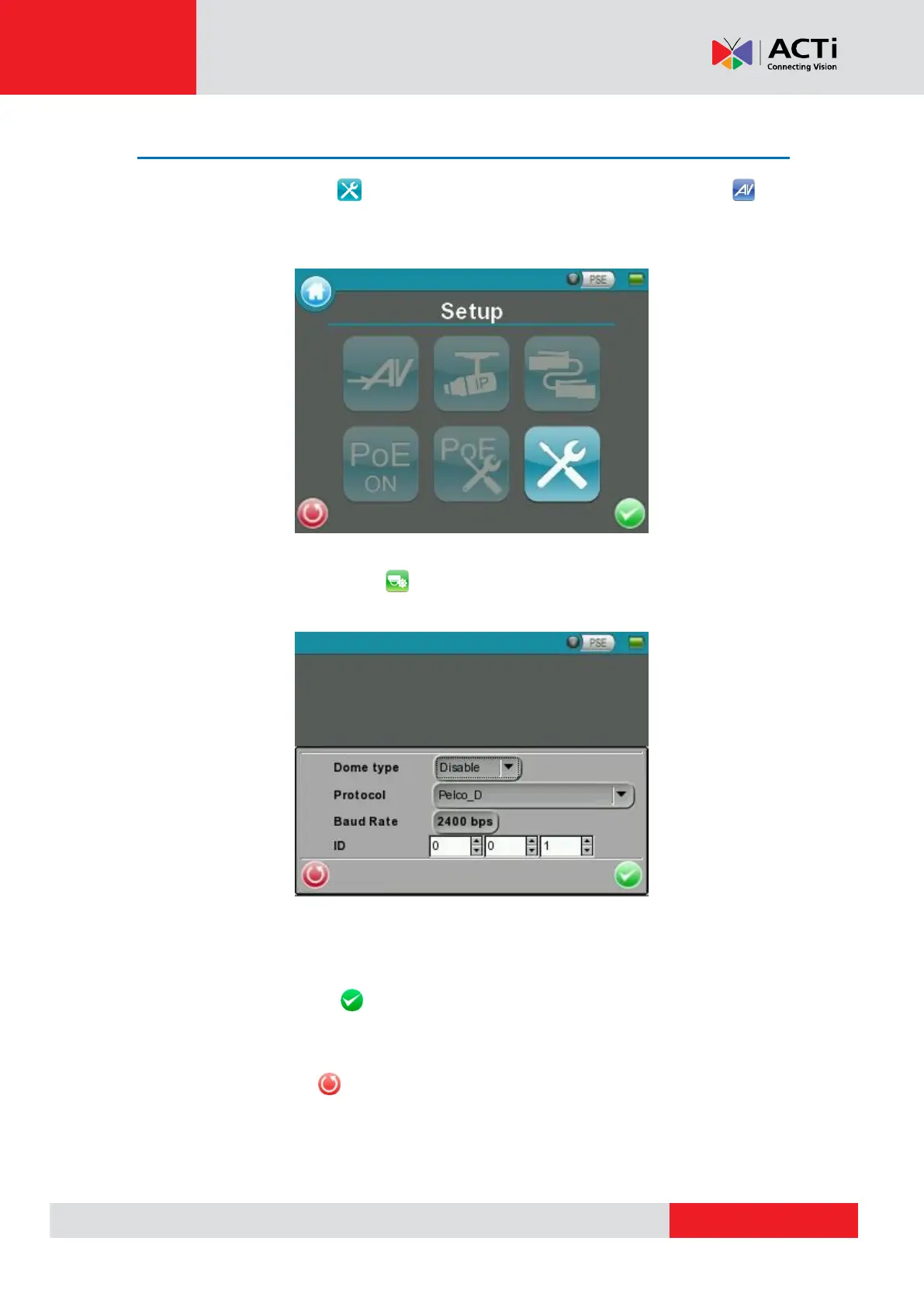
Enable PTZ Control Function
Step 1: Tap the <Setup> button on the Main Menu and then tap <Setup- AV> to
enter it.
Step 2: Tap <Setup- AV Dome> and enter its setting page as shown below.
Step 3: Select <Enable> from the <Dome type> drop-down list.
Step 4: Tap <Enter/Save> to save the setting, and system will automatically direct to the
previous screen.
Step 5: Tap <Return> to return to the Setup Menu.



 To Next Page