Product Manual
22
AV In (Analog Video Live View)
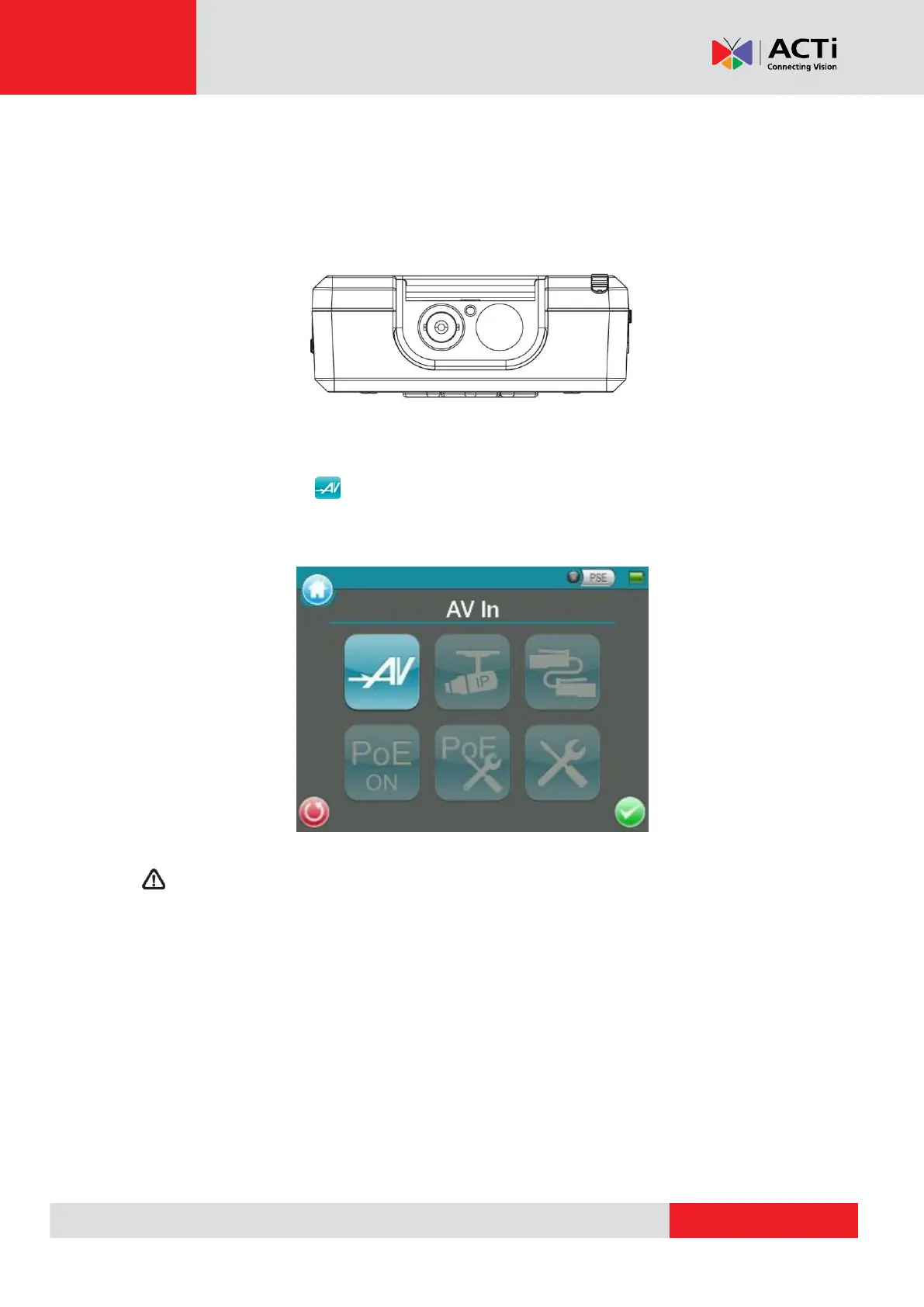
Users can view analog video through the BNC IN connector on top of the Device as shown below.
Connect the BNC cable from the video output connector of the Camera to the BNC IN port on the
Device. Tap the <AV In> button on the Main Menu, and users can view live video on the
LCD screen.
To view live video from an IP Camera which supports BNC via AV In function, please make
sure the IP Camera streaming is set as “BNC Out”.



 To Next Page