Product Manual
56
System Setup
On the system setup page, users can adjust the volume or the brightness of the Camera
Installation Kit’s LCD screen, implement firmware upgrade, restore all the system settings to
factory default and auto shutdown time.
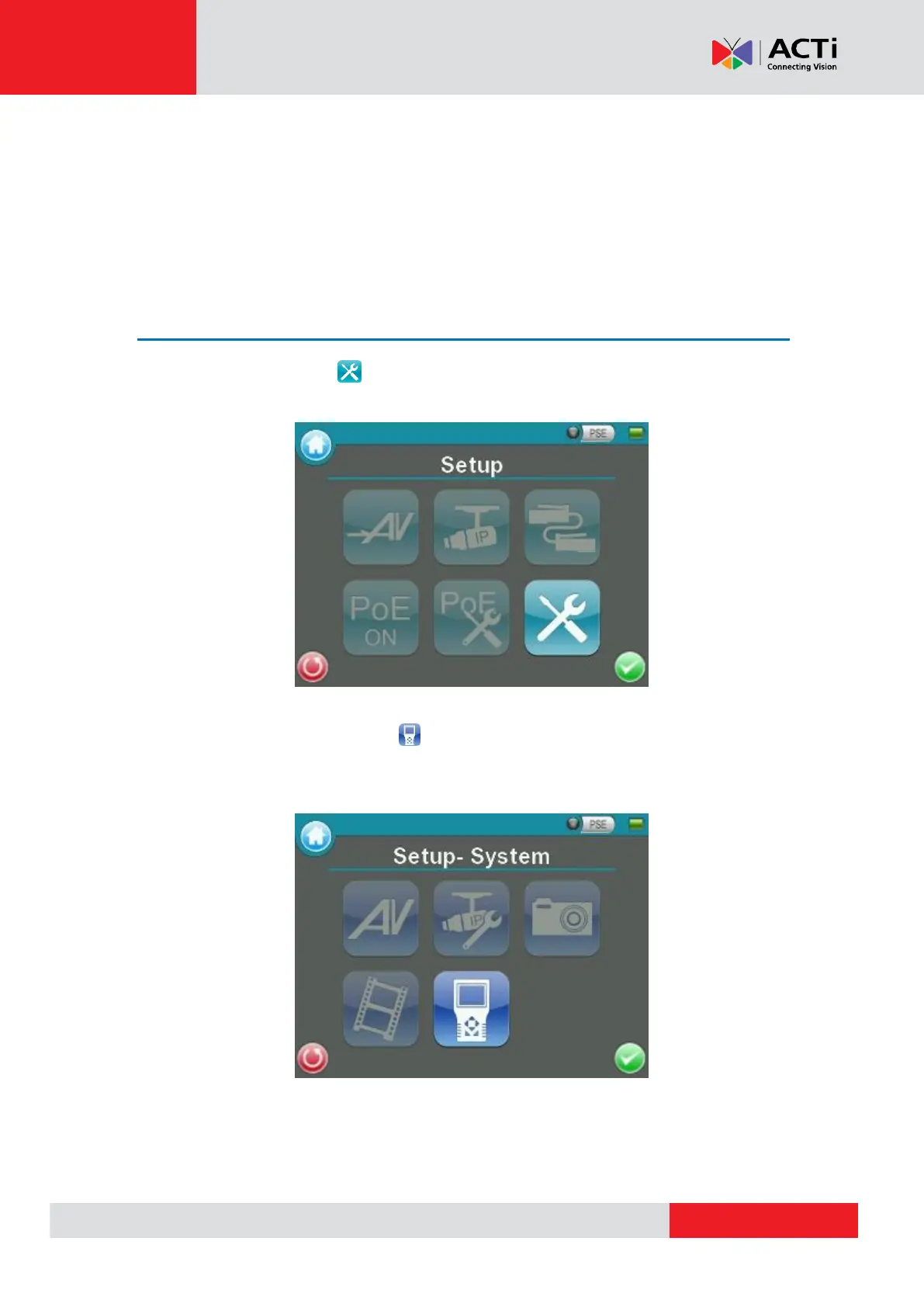
Access <Setup- System>
Step 1: Tap the <Setup> icon on the Main Menu.
Step 2: Tap the <Setup- System> icon on the Setup Menu to enter the Device’s
system setup page.



 To Next Page