Product Manual
59
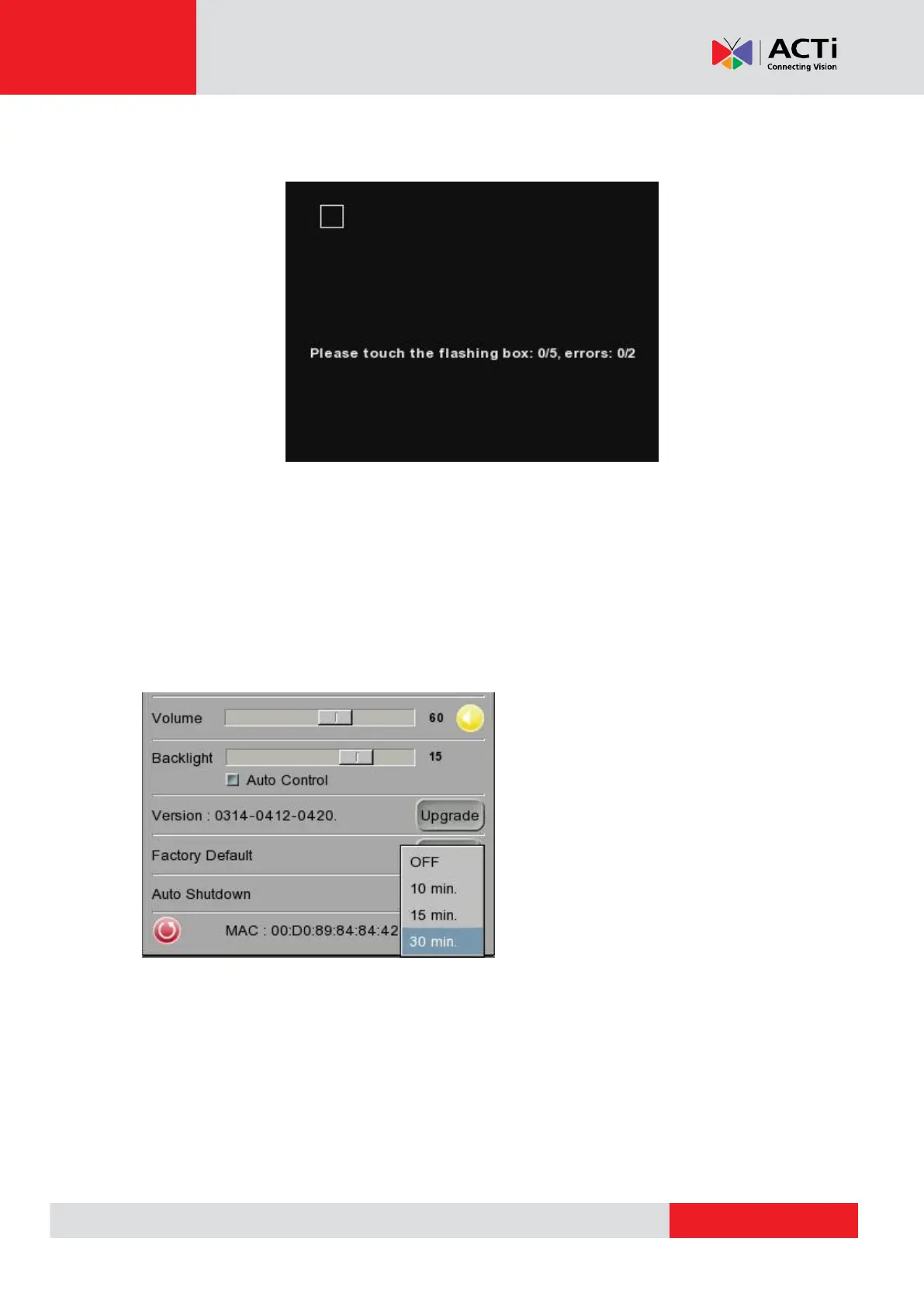
Step 5: Then touch each flashing box coming out as instructed.
The screen mode will switch to Main Menu after Touch Panel Calibration is completed.
Auto Shutdown
The system can be automatically shutdown after pre-determined time range when idle. Select the
specific time interval from the drop-down list for system auto shutdown. To disable the <Auto
Shutdown> function, please select <OFF>.



 To Next Page