Product Manual
43
Adjust Brightness / Sharpness / Contrast Value
Move the slider bar by touching the screen or using the Device’s Left/Right Keys ( ).
Switch to another Item
Tap the <AV Mode> icon next to the slider bar or press the Device’s Up/Down Keys to
switch among Brightness, Sharpness and Contrast setting.
Tap <Enter/Save> to save all the settings and you will then automatically directed to the
previous page. Or tap <Return> to exit the setting page without saving settings.
AV Dome Setup
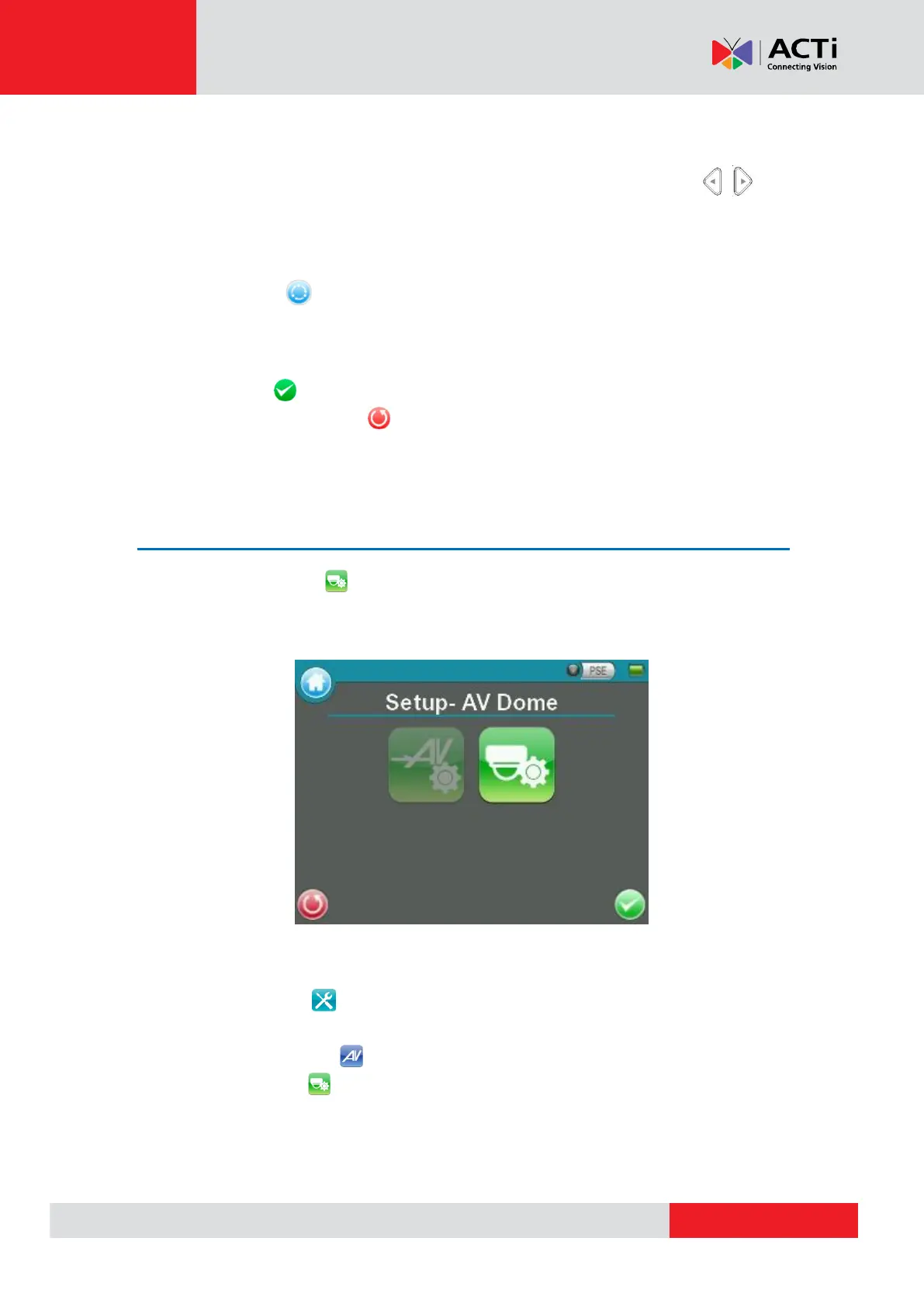
In the <Setup- AV Dome> menu, users can enable / disable PTZ control and configure the
Speed Dome Camera’s protocol, baud rate and ID address.
Access <Step- AV Dome>
Step 1: Tap <Setup> on the Main Menu and enter the Second Screen.
Step 2: Tap <Setup- AV> on the Setup Menu to enter the AV Setup Screen, and then
tap <Setup- AV Dome> to enter the setting page as shown below.



 To Next Page