Home
ACTi
Digital Camera
PMON-2000
Page 21
ACTi PMON-2000 - Page 21
60 pages
Manual
Save Page as PDF
To Next Page
To Next Page
To Previous Page
To Previous Page
Loading...
w
w
w
.a
ct
i.
co
m
Product Manual
21
Item
Description
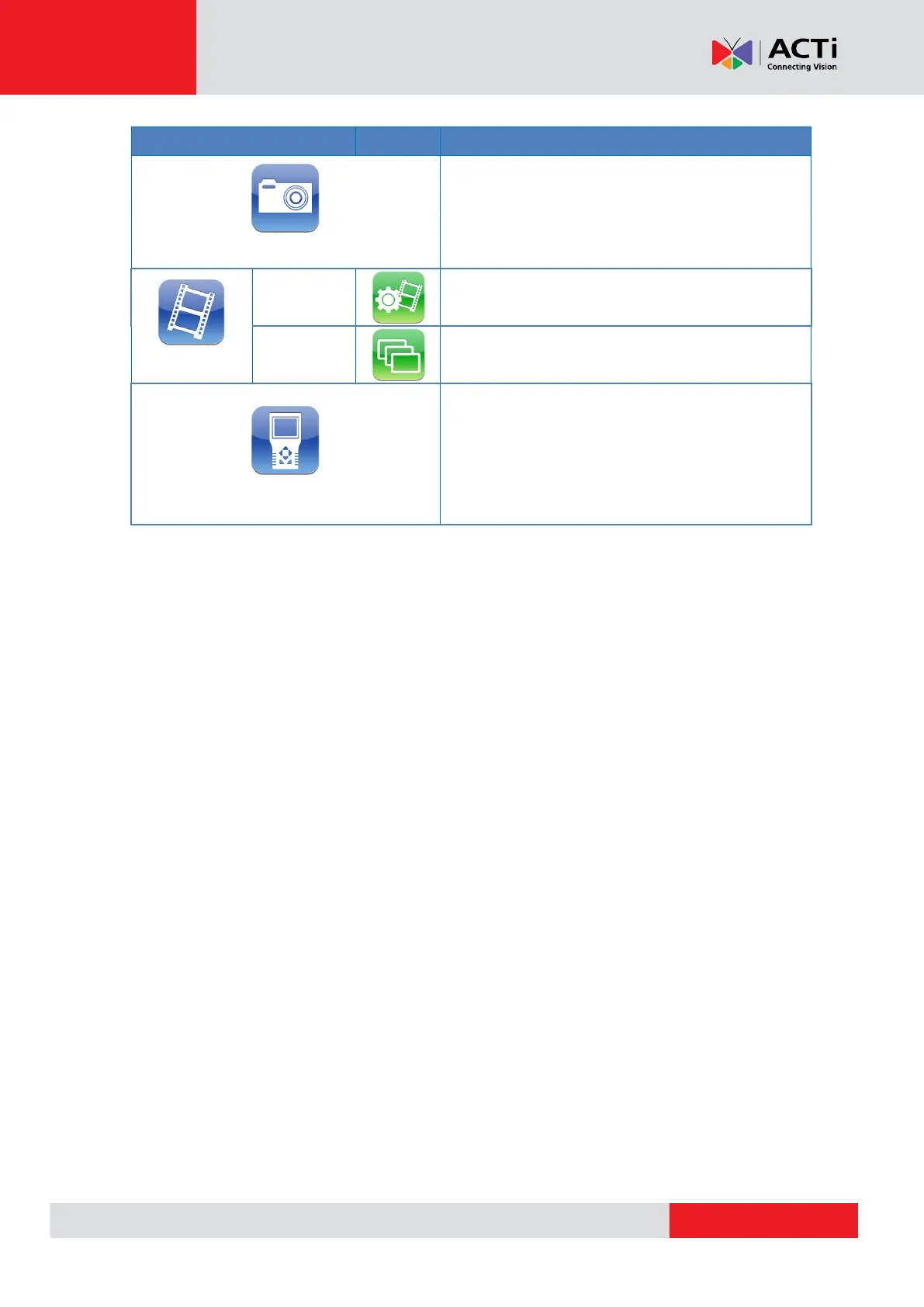
Setup -
Snapshot
Preview and
manage the
snapshot files.
Setup -
Video
Record
Setup
Setup the rec
ording video
file name, descripti
on,
and saving
path.
Playbac
k
Preview
, playbac
k and manage t
he video files.
Setup - Sy
stem
The Camer
a Installation Kit
’
s system sett
ings
include v
olume, LCD bright
ness, firmware
upgrade, fact
ory default r
eset and auto shutdown
setup.
The MAC a
ddress of the Device
is also
displayed o
n this page for
users’
reference.
20
22
Table of Contents
Main Page
Default Chapter
2
Table of Contents
2
Precautions
6
Safety Instructions
8
Introduction
9
Package Contents
9
Physical Description
10
Preparing the Device
13
Charging the Battery
13
Powering on the Device
14
Touch Panel Calibration
14
Using the Carrying Bag
15
Connecting a Camera to the Device
17
Screen Layout
18
Main Menu
18
Status Icons
18
Buttons
18
Setup Menu
20
AV in (Analog Video Live View)
22
Speed Dome Camera Live View
23
Fixed Camera Live View
23
Enable PTZ Control Function
24
Implementing PTZ Control
25
IP Camera Live View
26
Automatically Change Device IP Address
26
Connect IP Camera (Direct Connection)
26
Access the Camera
27
Digital PT Control (for Fixed Camera)
27
PTZ Control (for IP Speed Dome Camera)
28
Exit the Viewing Mode
28
Device Search
29
Implement Device Search
29
Digital PT Control (for Fixed Camera)
30
PTZ Control (for IP Speed Dome Camera)
30
Exit the Viewing Mode
31
Upnp
32
Implement Upnp
32
Digital PT Control (for Fixed Camera)
33
PTZ Control (for IP Speed Dome Camera)
33
Exit the Viewing Mode
34
Cable Test (CAT5)
35
Setup for Testing
35
Cable Testing
35
Power over Ethernet (Poe)
36
Enable Poe
36
Poe Setup
37
Power Level
37
Poe Measurement
38
Poe Measurement Display
38
Enable Poe after Device Bootup
39
Poe Auto-Shutdown
39
Snapshot
40
Take Snapshot
40
Snapshot File Setup
40
Files in USB / SD
40
Video Recording
41
Record Video
41
AV Video Setup
42
Access <Step- AV Video
42
Adjust Brightness / Sharpness / Contrast Value
43
Switch to Another Item
43
AV Dome Setup
43
Access <Step- AV Dome
43
Set the Dome Type
44
Set the Protocol
44
Set the Baud Rate
44
Set the ID Address
44
IP Camera Setup
45
Access <Setup-IP Connection> and <Setup-IP Camera
45
Setup- IP Connection (Alter Camera Settings)
47
Specify Camera Settings
47
Add a Camera to List
48
Setup- IP Camera (Load the Network Settings)
48
Setup- IP Script (IP Camera API Commands)
49
Snapshot Setup
50
Image Preview
50
Single File Copy
50
All Files Copy
51
Single File Deletion
51
All Files Deletion
51
Video Setup
52
Video Recording Setup (Video- Rec Setup)
52
Video Playback
54
Single File Copy
55
All Files Copy
55
Single File Deletion
55
All Files Deletion
55
System Setup
56
Access <Setup- System
56
Adjust Device Volume
57
Adjust Device Screen Brightness (Backlight)
57
Upgrade Firmware
57
Reset to Factory Defaults
58
Auto Shutdown
59
Related product manuals
ACTi E11
16 pages
ACTi Q950
33 pages
ACTi B57
27 pages
ACTi KCM-3911
15 pages
ACTi A950
116 pages
ACTi Q970
21 pages



 To Next Page