Product Manual
53
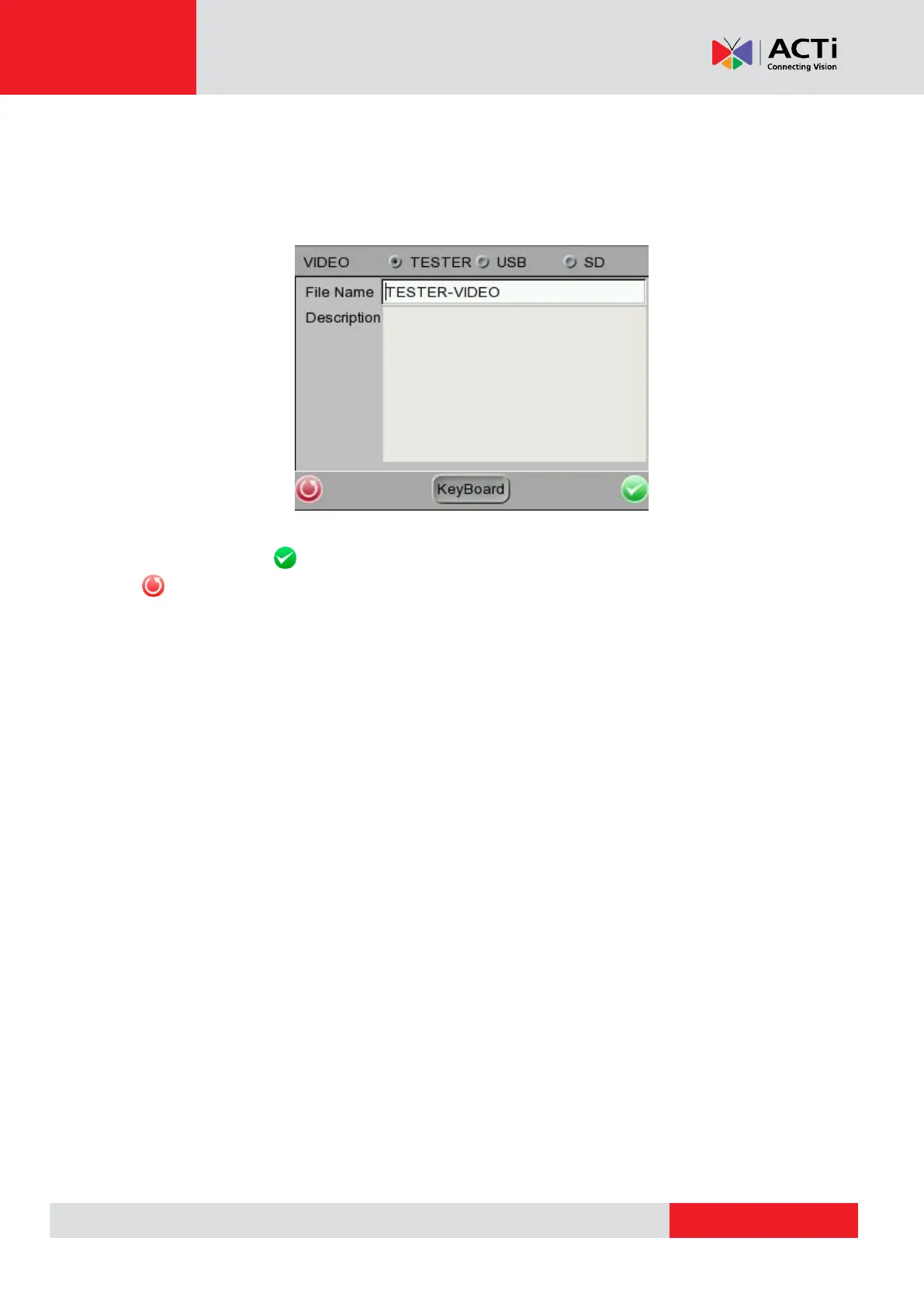
Assign a storage location among the three options (Device / USB / SD) located on the very top of
the setup page to save the videos by tapping the round button on left side of the option. And then
enter the file name and description respectively for the snapshot.
Tap <Enter/Save> to save all the settings and return to the live view mode, or tap <Return>
to exit the setting page without saving settings.



 To Next Page