Lesson 8 GwBlock graphical control mode
We creatively provide users with Arduino graphical programming tools-GwBlock.
Using graphical program instruction blocks to achieve control of Arduino with the
Web page. Compared with the traditional pure character interface code programming
platform, graphical programming is more conducive to learners who have not
mastered C/C++. If you have studied Scratch, then you will be able to easily master
the graphical programming of Arduino. Next we will teach you how to build graphical
programming of Arduino.
8.1 Downloading and installing Python
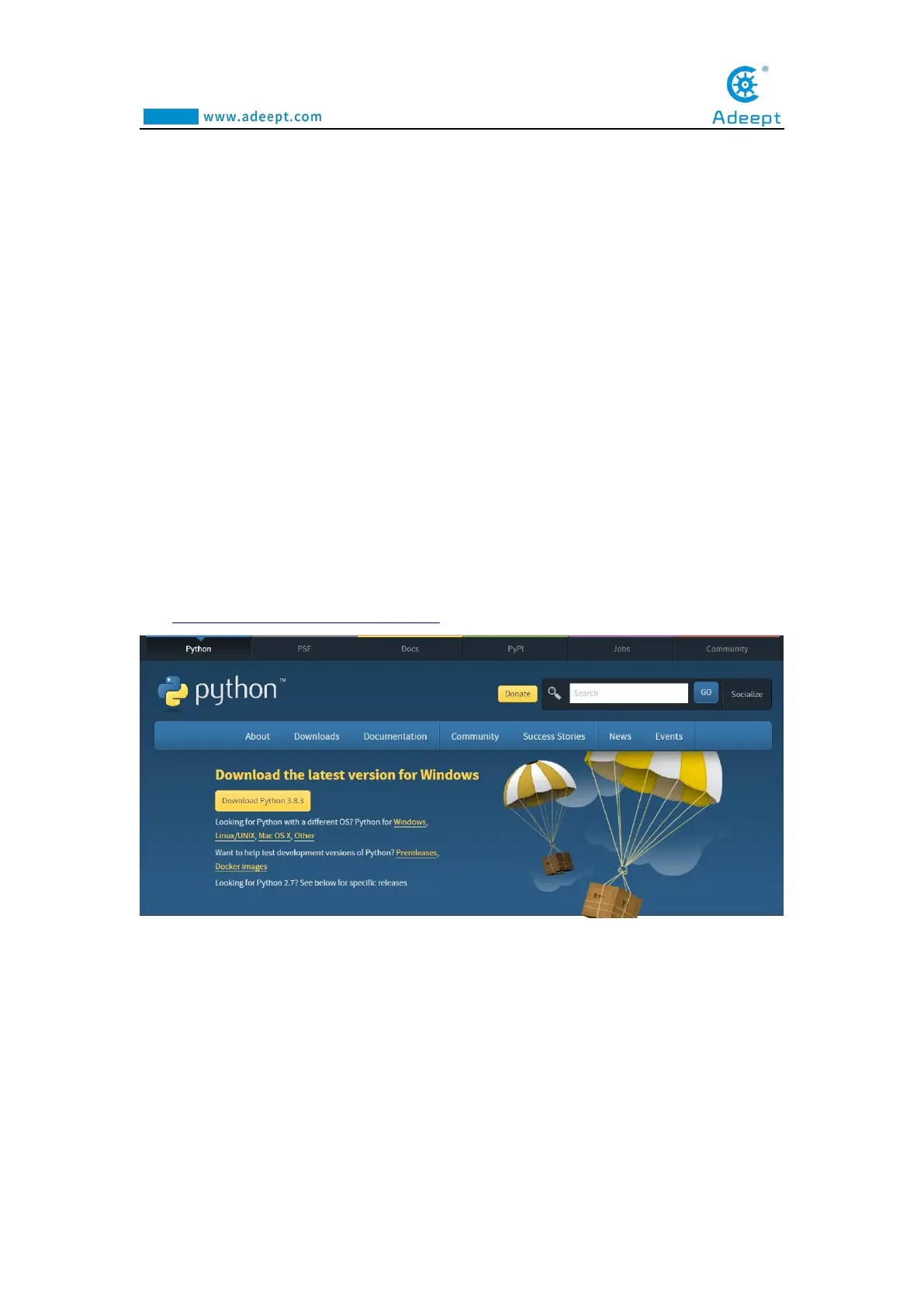
(1)Log in to the official website by browser:
https://www.python.org/downloads/
(2) Click the "Download Python 3.8.3" button to download and wait for the
download to complete:



 To Next Page