7.After downloading, close AdeeptArmRobot.ino
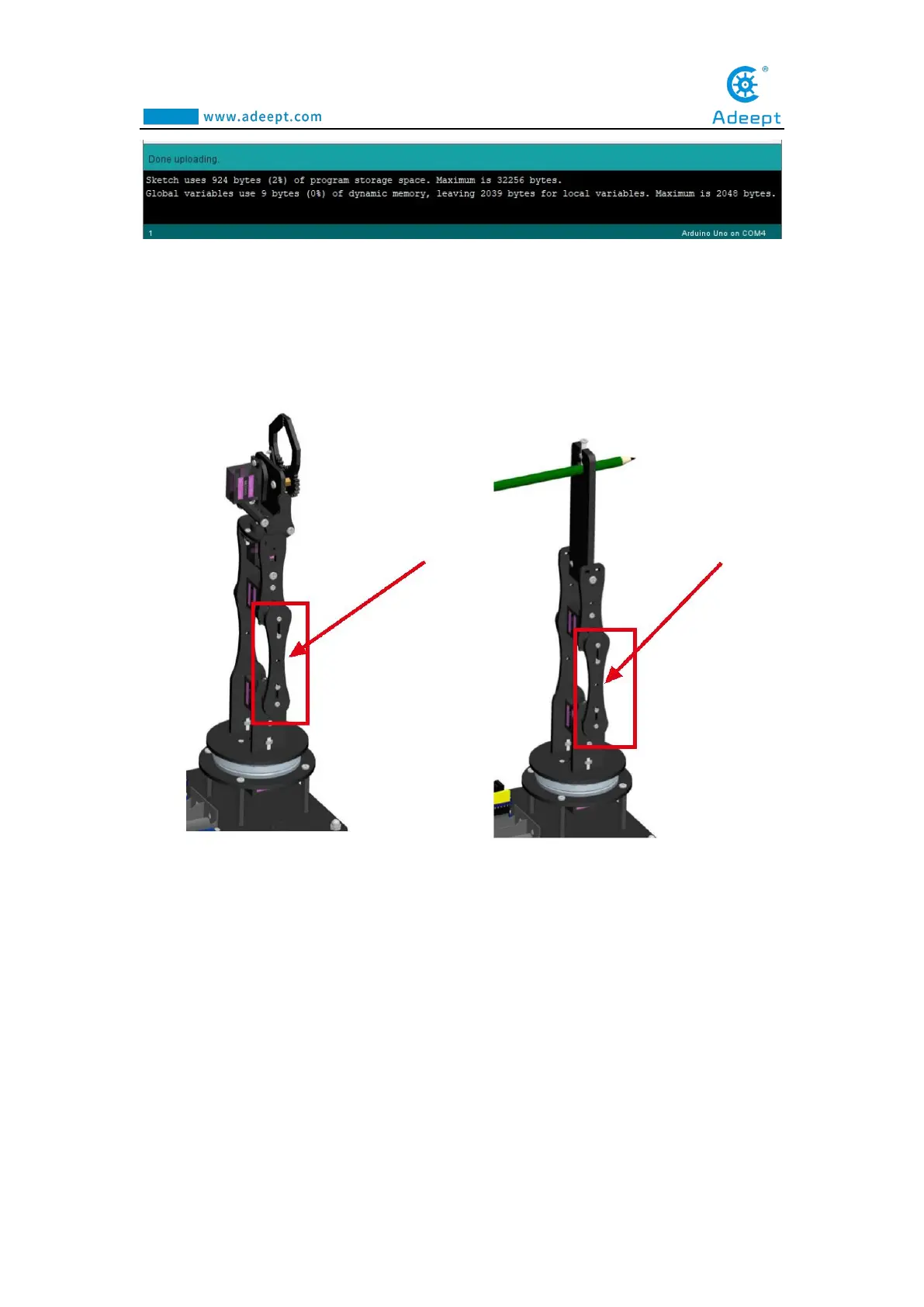
8.Note that the arm is still connected to the computer with the USB cable. Rotate
the arm to the position as shown in the figure below(Manually remove and adjust
without power supply)
11.3 Run the ProcessingArmRobot.pde
Note that the arm is still connected to the computer with the USB cable.
1.Open the Processing software, as shown below:



 To Next Page