10.2.2 How to modify the number of recorded exercise states
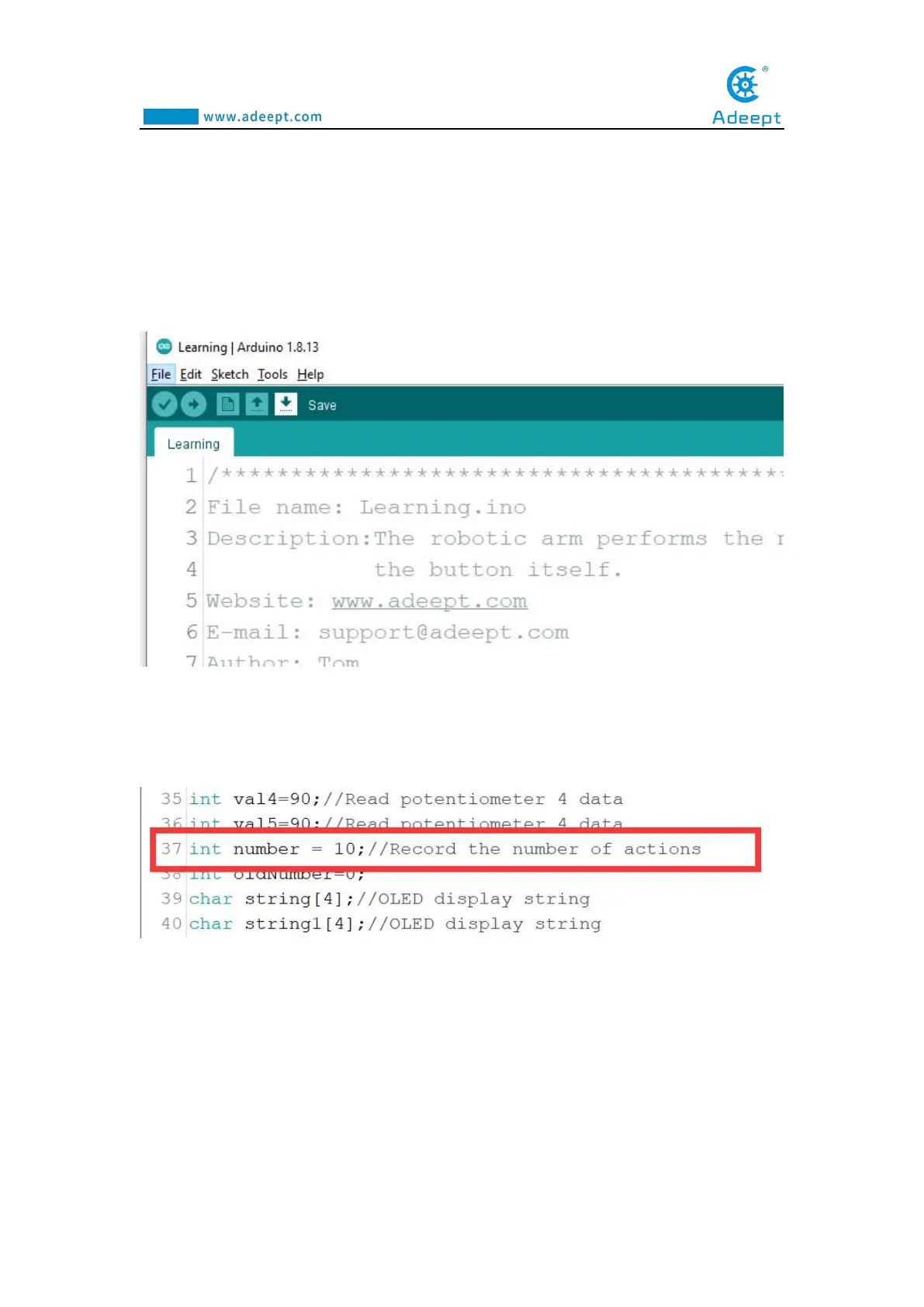
1.Use the Arduino IDE to open the program "Learning.ino" of this lesson (in the
folder "Lesson 10 Learning"):
2.Find the 37th line of code, where "number = 10" means that the robotic arm can
record up to 10 motion states or actions. You can modify the number to the number
you want to record, and the maximum should not exceed 200.
3.Save the modified program, and then upload it to the Adeept Arm Drive Board
again.



 To Next Page