Lesson 13 Processing controls robotic arm to write
and draw
In this course, we will learn how to use Processing software to control robotic
arms write and draw.
13.1 Upload the WritingAndDrawing.ino
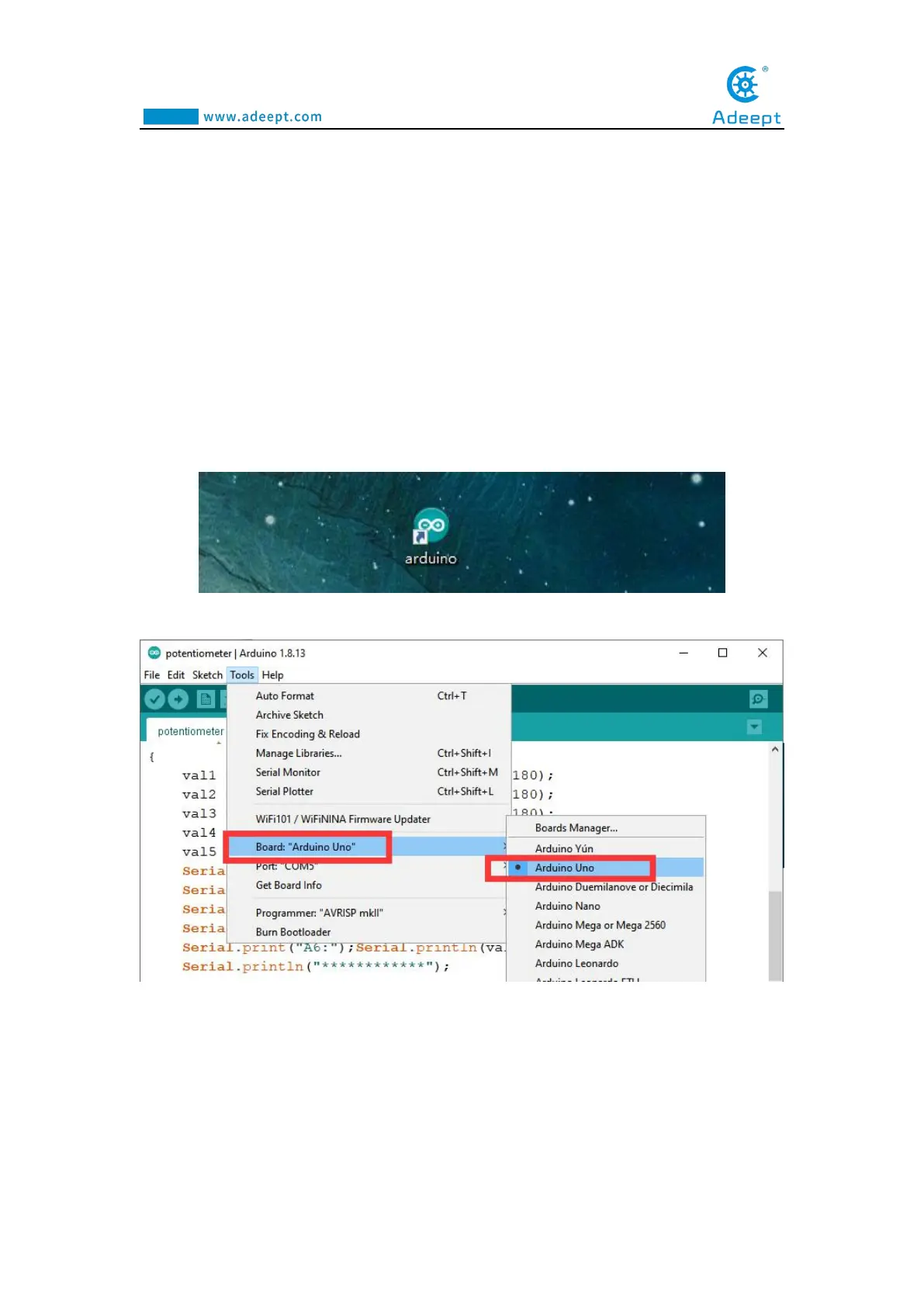
1.Open the Arduino IDE software, as shown below:
2. In the Tools toolbar, find Board and select Arduino Uno, as shown below:
3.In the Tools toolbar, find “Port” and Select the port number of The Adeept Arm
Drive Board , as shown below:



 To Next Page