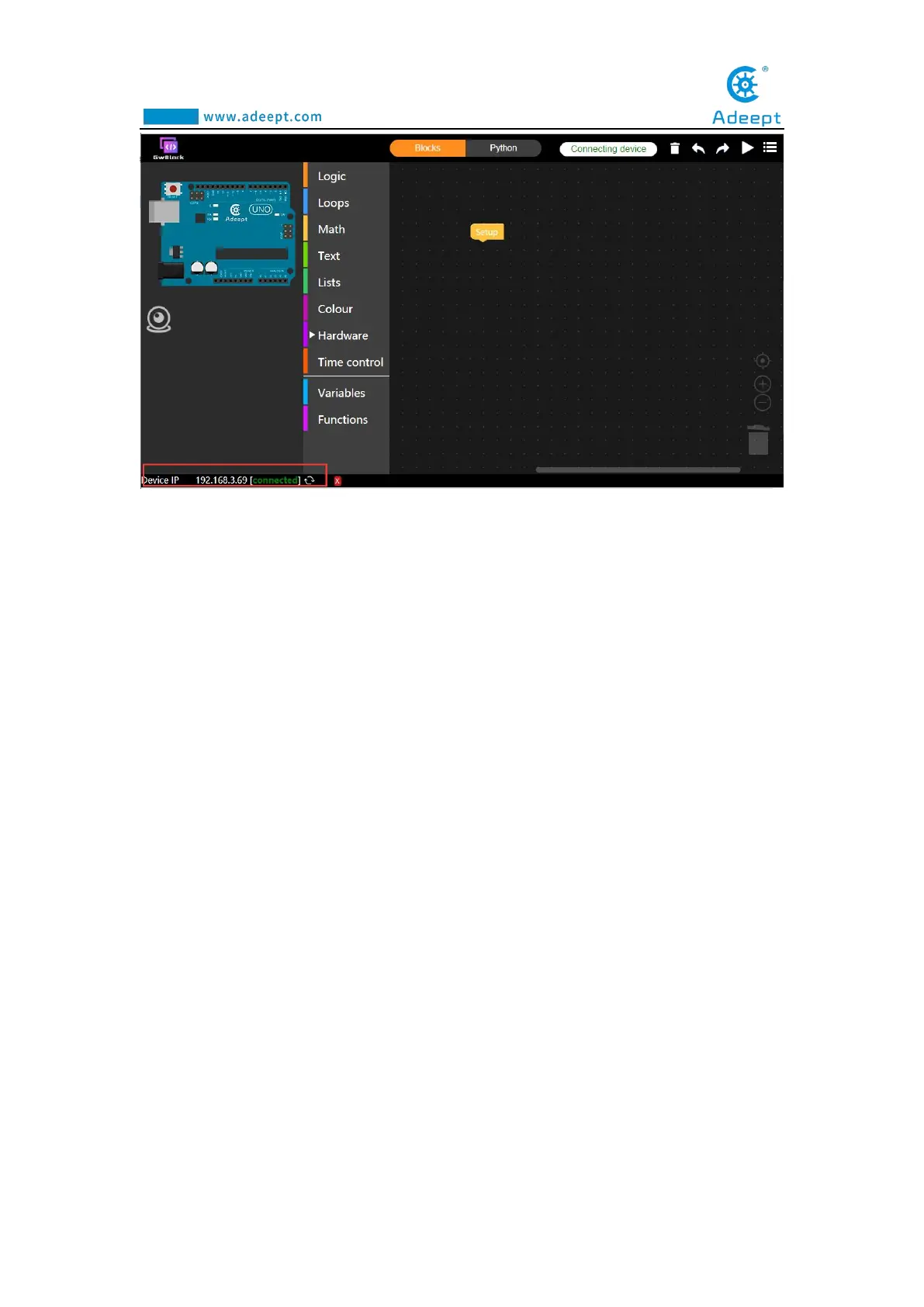
8.3 The method of reconnecting the GwBlock
graphical editor
In the following cases, you need to reconnect to the GwBlock graphical editor:
[1] When you close the GwBlock editor.
[2] When you close the Adeept Arduino Robot window.
[3] When you restart the computer.
[4] When you log in to the GwBlock website again.
[5] When you close the Arduino IDE.
(1) Before doing the experiment, you must first connect the Arduino
development board to the computer.
(2) First, open the folder we provide to the user:
AdeeptRoboticArmforArduinoV3_5, after opening, as shown below:



 To Next Page