10.2 How to start the learning mode of robotic arm
10.2.1 Introduction to Learning Mode
In the learning mode, the robot arm can record different motion states or actions
(up to 200 can be recorded, the recorded actions can be written into EEPROM), After
re-powering, press the “BUTTON” for more than 8 seconds to enter the sport mode.
In the motion mode, the working status of each servo will be displayed on the OLED,
and the manipulator will automatically perform the previously recorded actions.
The specific operation method is as follows:
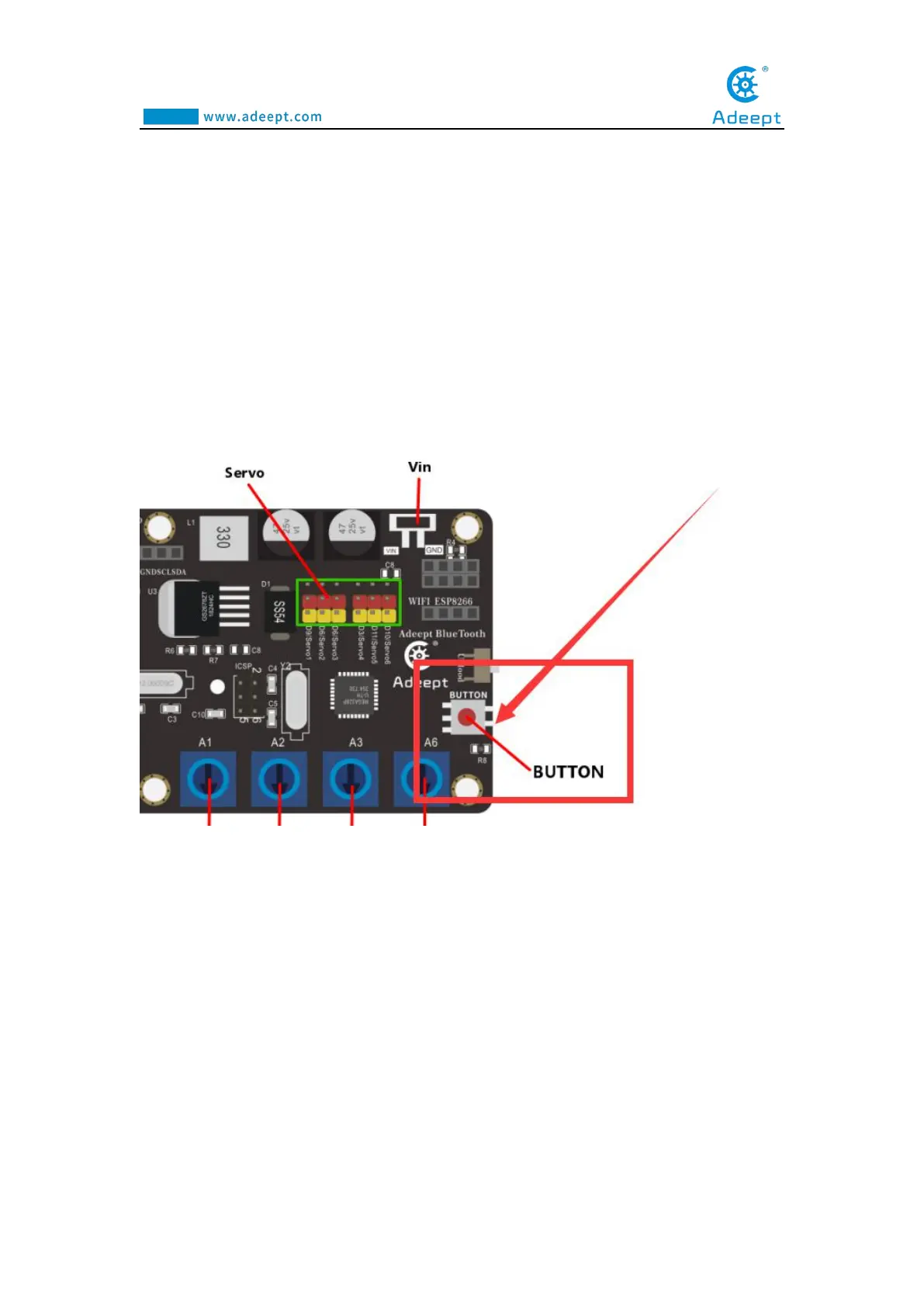
(1) Rotate the potentiometer on the drive board to control the mechanical arm in
the X state of motion (clamping, straightening, bending, a certain position, etc.), press
the "BUTTON" button on the drive board for about 2-3 seconds and release it. , The
number of "remaining steps: 10" on the OLED screen will decrease by 1, which
means that the robot arm successfully recorded the movement state in X.
(2) Continue to rotate the potentiometer on the drive board to control the robotic



 To Next Page