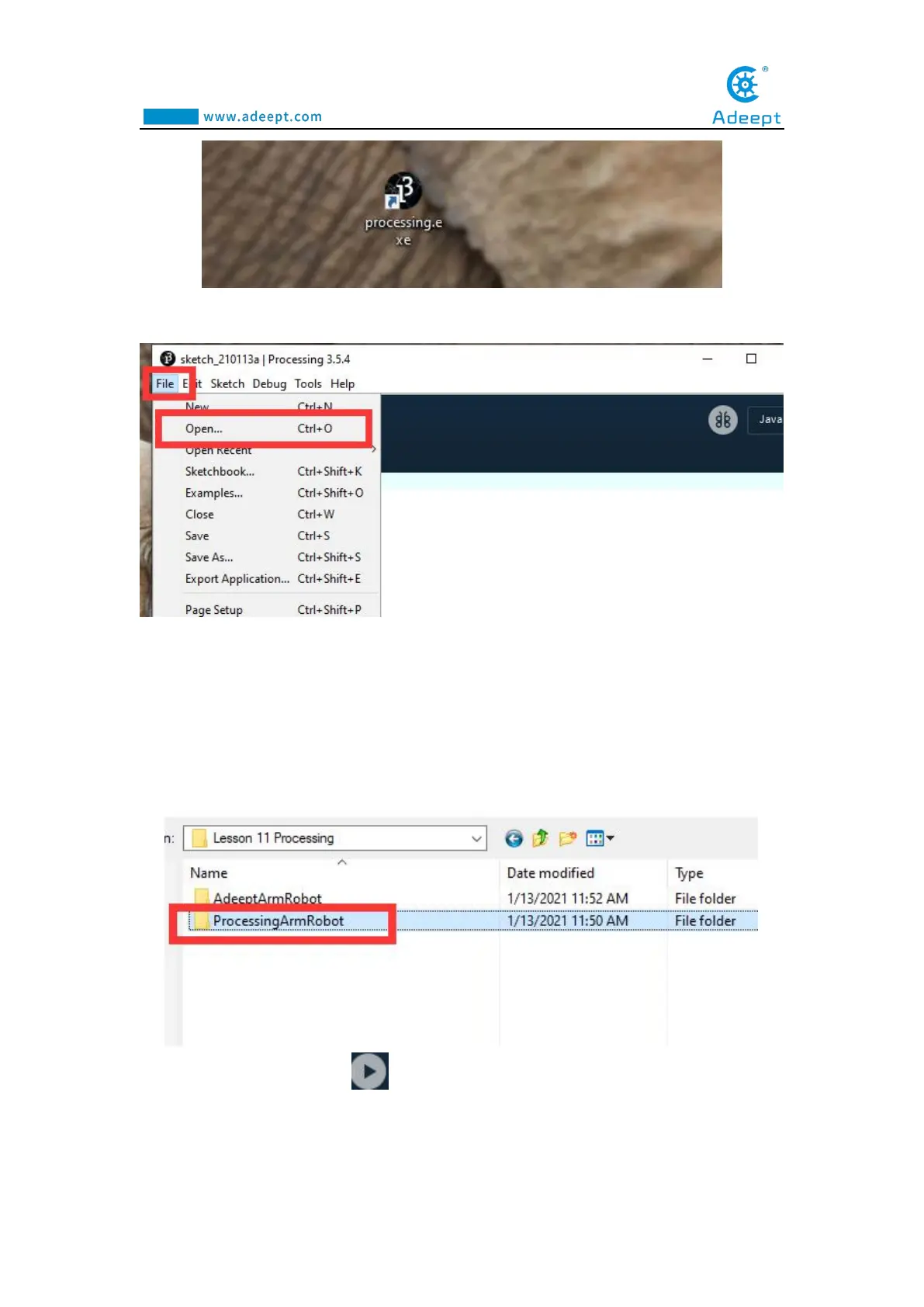
2. Click Open in the File drop-down menu::
3.Find the folder AdeeptRoboticArmforArduinoV3_5 that we provide to the user.
Open the folder 02 Course Code in it. Enter the Lesson 11
Processing→ProcessingArmRobot directory. Select ProcessingArmRobot.pde. This
file is the code program we need in this course. Then click Open.
4.After opening, Click " " to run the code, as shown below:



 To Next Page