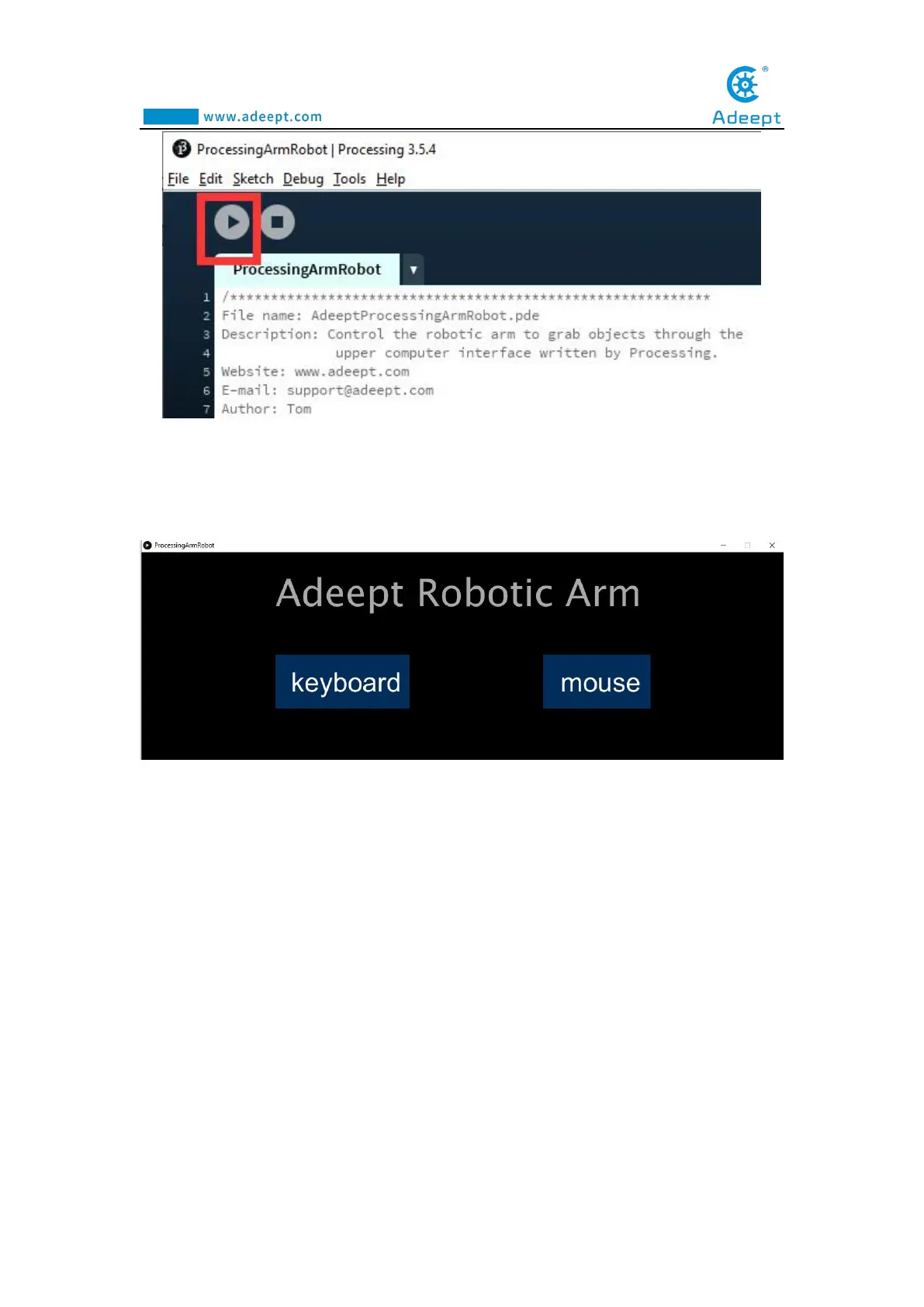
5.The interface of successful running is as below,Provides two ways to control
the robotic arm:keyboard and mouse.
6.Click "keyboard" the following interface will appear. Next, press the
corresponding button on the keyboard to control the arm.
1."Q" and "W" control servo5 (Gripper), The “Q” button is to control the gripper
to open, the “W” button is to control the gripper to close.
2."E" and "R" control servo4 (Rotate),"E" button is to turn to the left,"R" button
is to turn to the right.
3."T" and "Y" control servo3 (Elbow).
4."U" and "I" control servo2 ( Shoulder).
5."O" and "P" control servo1 (Base).



 To Next Page