7.Click "mouse" and the following interface will appear.click the corresponding
button, the robotic arm will make the corresponding movement.
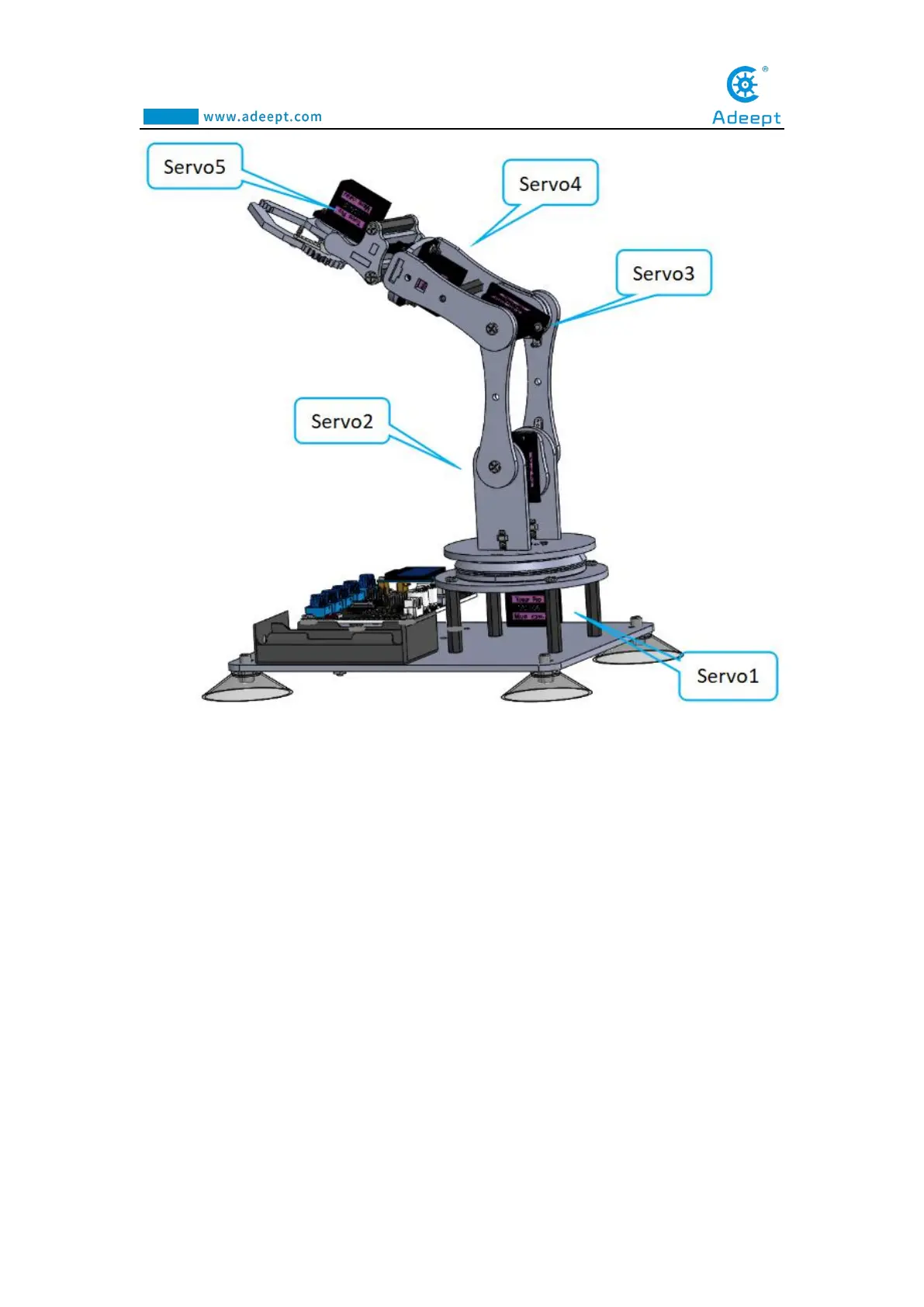
1."Gripper+" and "Gripper-" control the servo5,
2."Rotate+" and "Rotate-" control the servo4,
3."Elbow+" and "Elbow-" control the servo3,
4."Shoulder+" and "Shoulder-" control the servo2,
5." Base+” and “Base-” control the servo1.



 To Next Page