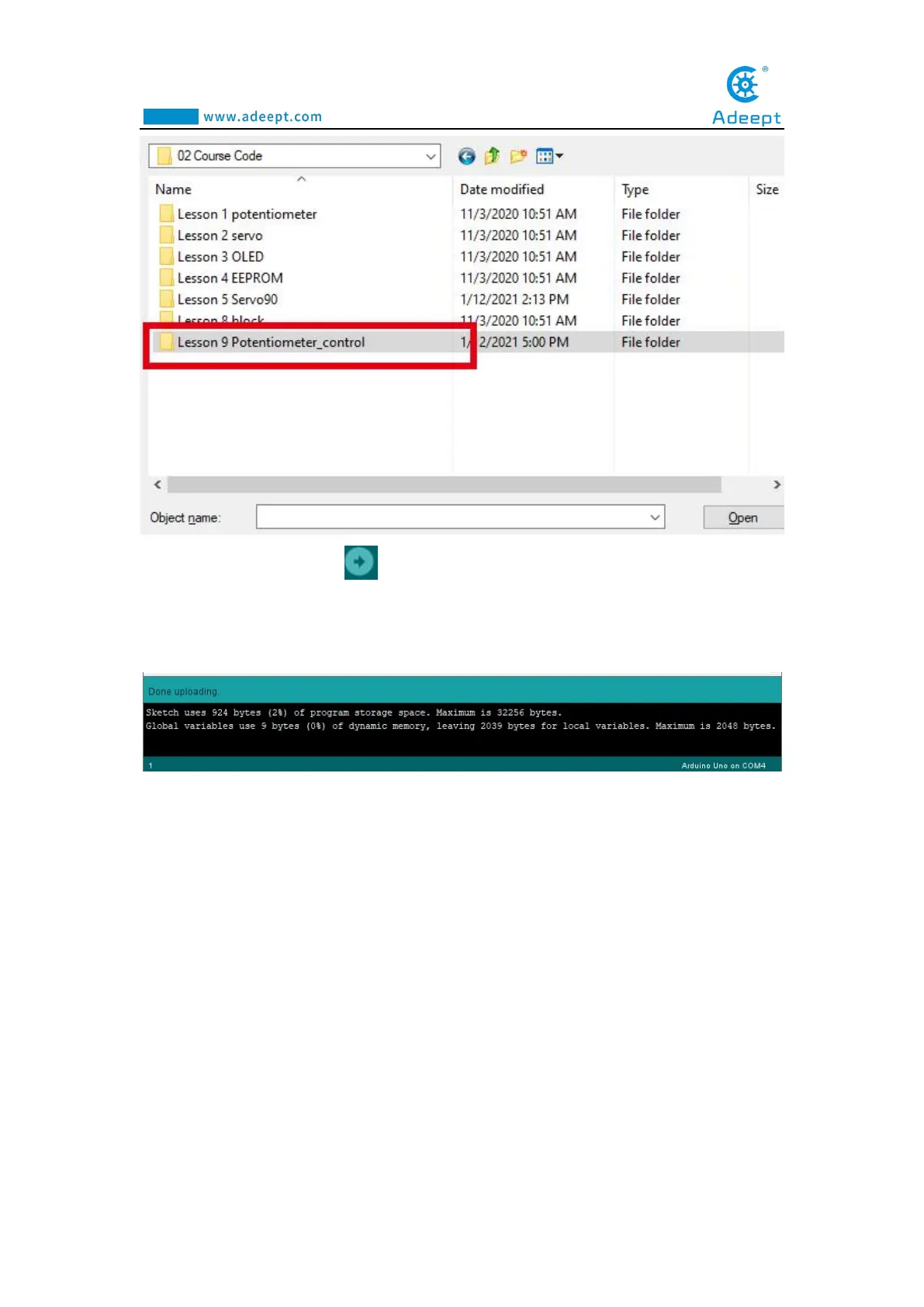
6.After opening, click to upload the code program to the Adeept Arm Drive
Board. If there is no error warning in the console below, it means that the Upload is
successful.
7.Next, unplug the USB cable connected to the robotic arm. Note: Do not turn on
the power of the arm after downloading the program. Adjust the four potentiometers
on the driver board to the center first, as shown below:



 To Next Page