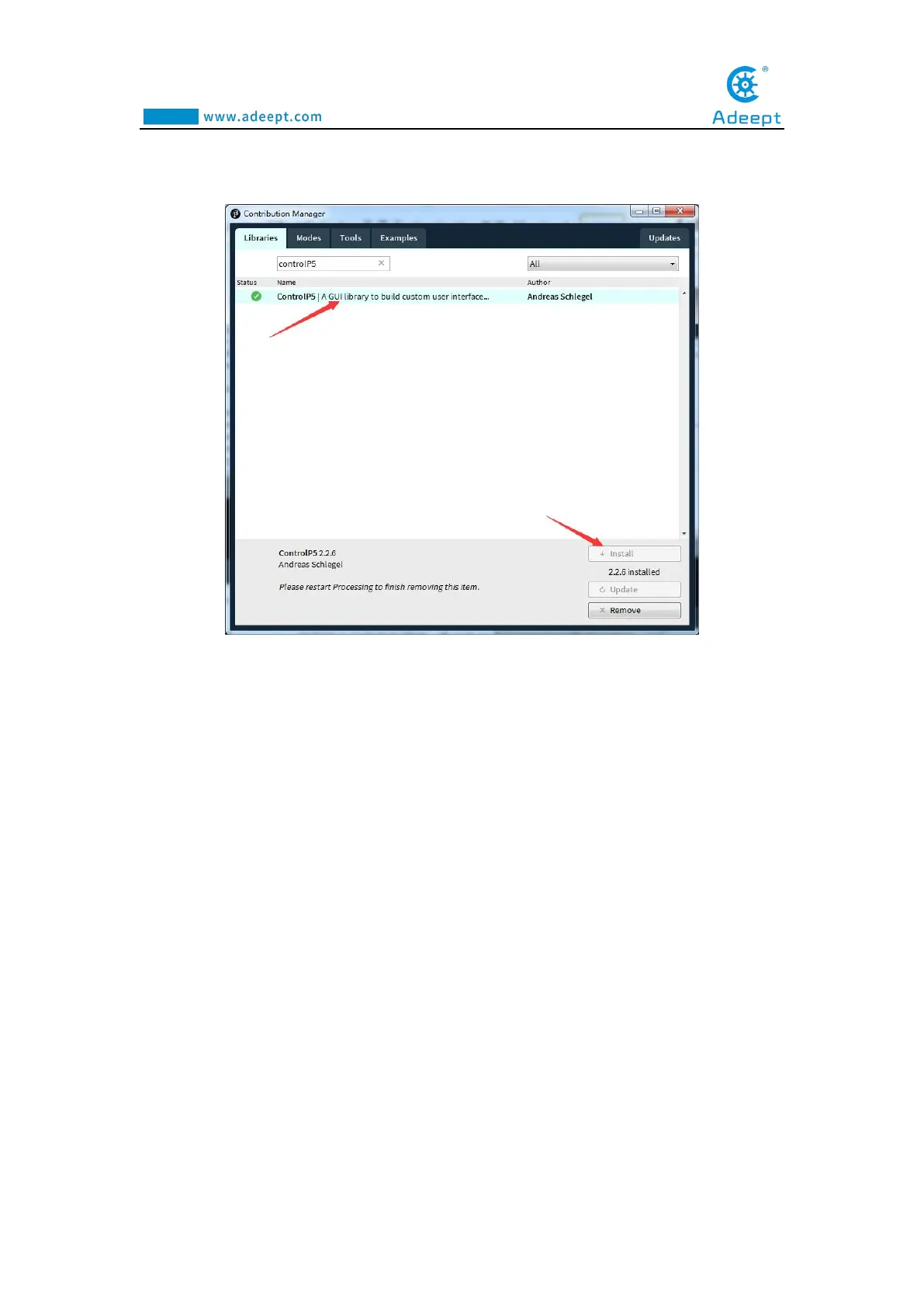
Then search controlP5(If you do not find it in the list, please close this window,
reopen it, and search again).Finally click Install
8.Let's write a simple code that implements the following functions "Change the
variable to create a moving line. When the line moves out of the window edge, the
variable becomes 0 and the line goes back to the bottom of the screen



 To Next Page