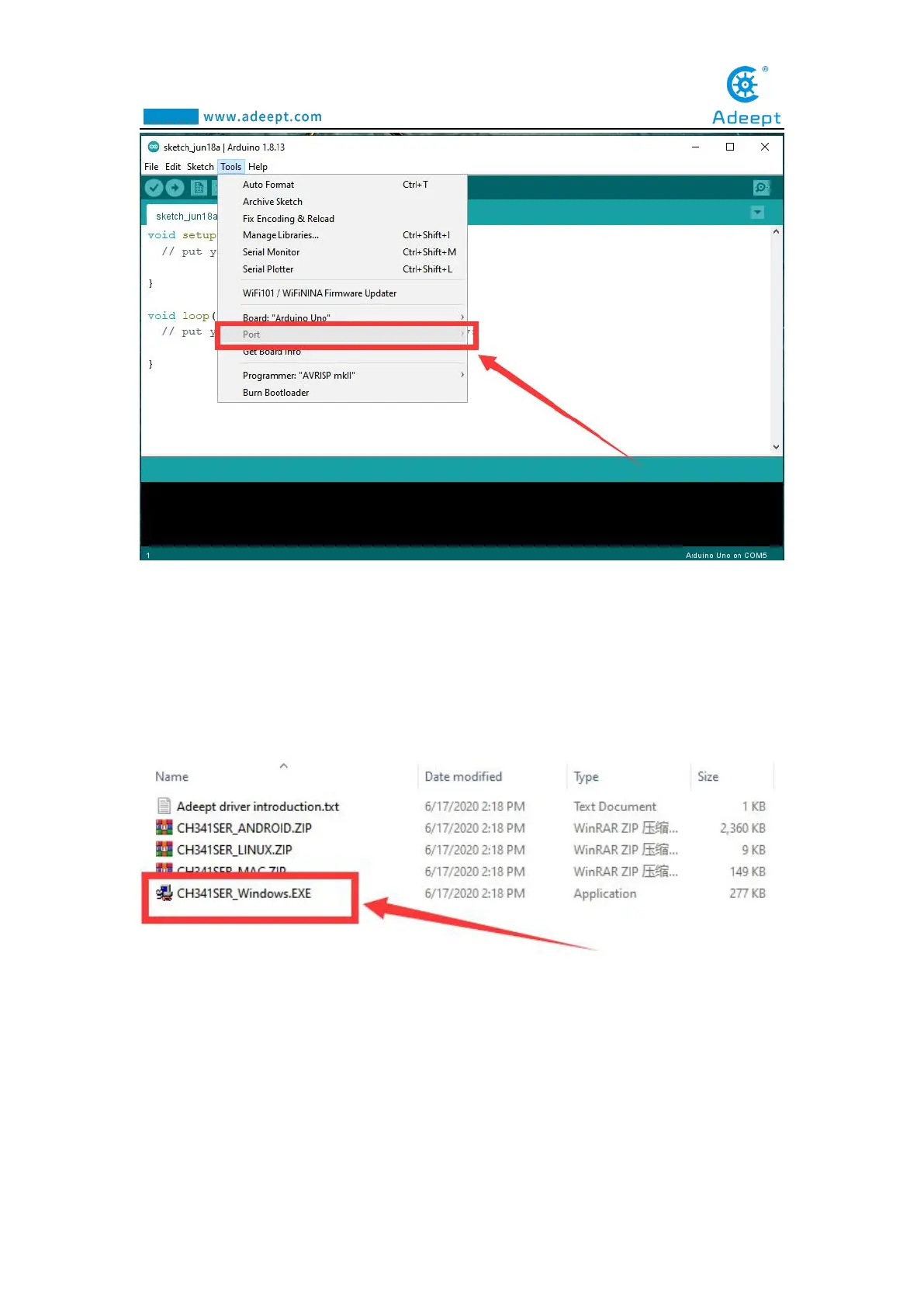
2. You need to find the user folder provided by Adeept:
AdeeptRoboticArmforArduinoV3_5, find the 01 Software Package folder, and open
the Adeept driver folder. If you are using a Windows system, you can directly
double-click to open CH341SER_Windows.EXE, install corresponding driver
according to the computer operating system.
3. Click INSTALL.Wait for the installation to succeed.And click OK.



 To Next Page