4.
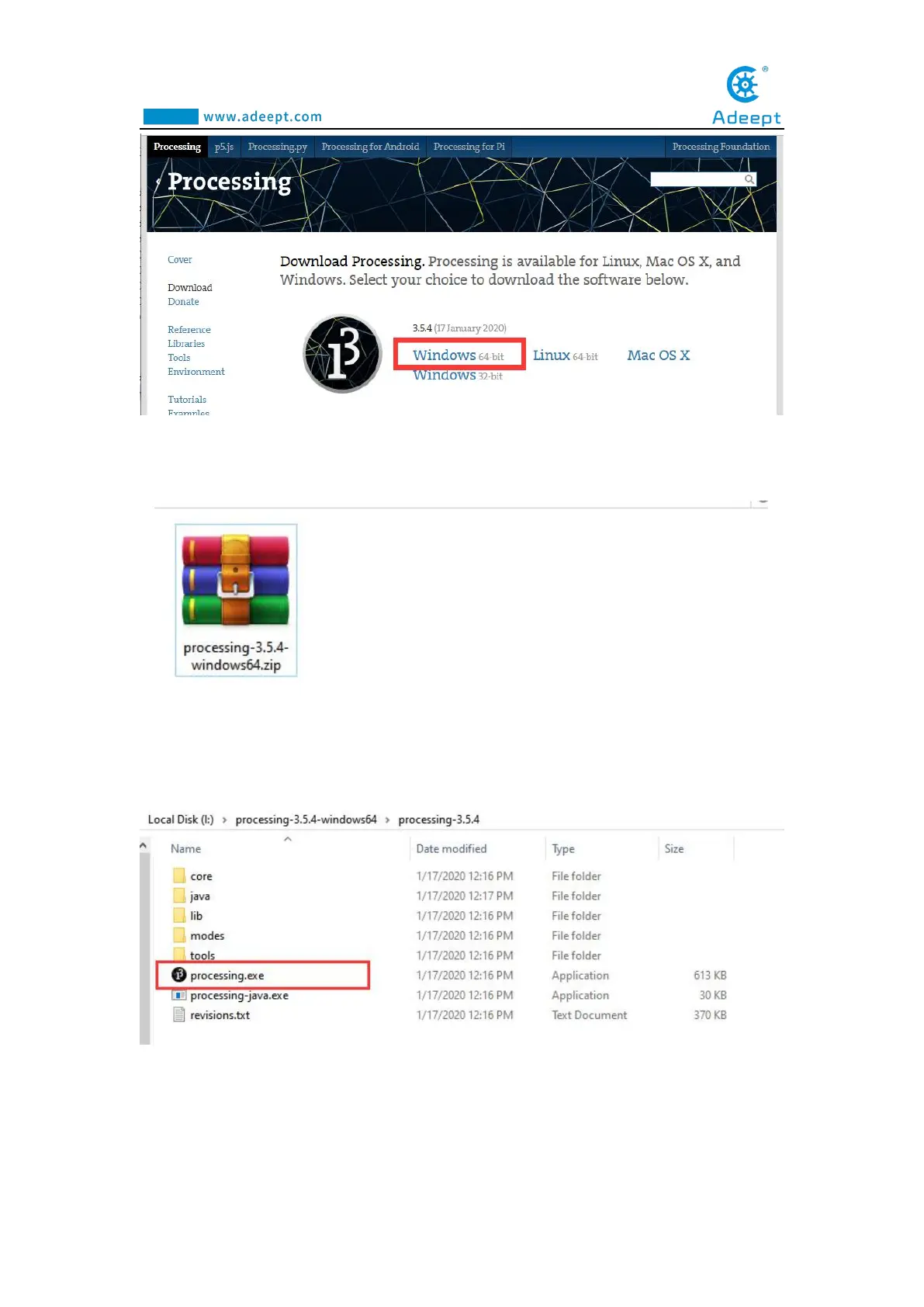
When finish downloading, you will get a compressed file
"processing-3.5.4-windows64.zip".
5.
After extracting this file, you can get the following file, just click to run
processing, it can be run directly without installation.
6.
The interface is as follows after the Processing runs



 To Next Page