8. Configuring the "libraries" folder of the Arduino
IDE
Before using Adeept Robotic Arm, you need to configure the "libraries" folder
under the downloaded Arduino IDE directory.
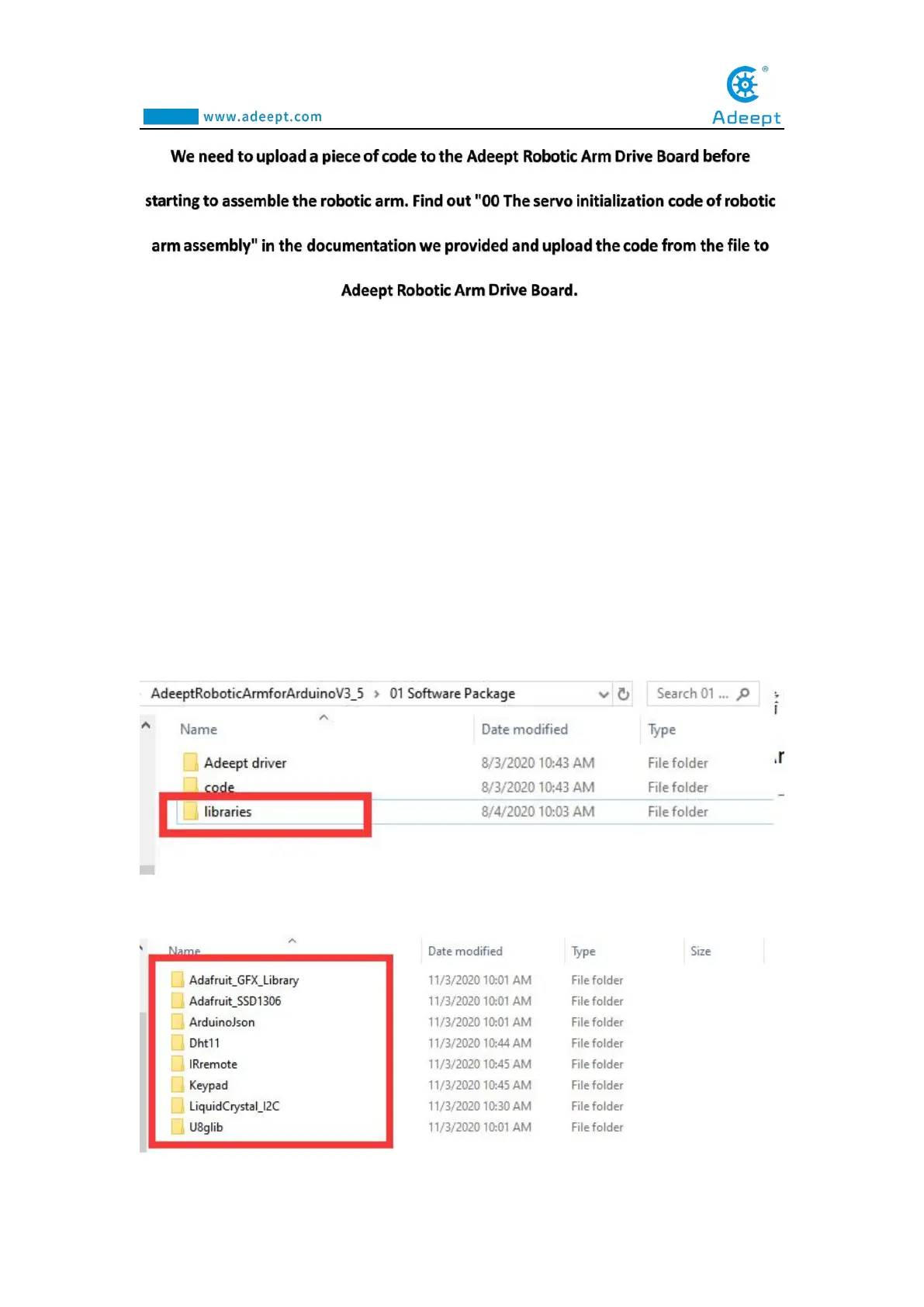
First, you need to find the user folder provided by Adeept:
AdeeptRoboticArmforArduinoV3_5, and find the "libraries" folder under the 01
Software Package folder, as shown below:
Open the "libraries" folder, as shown below:



 To Next Page