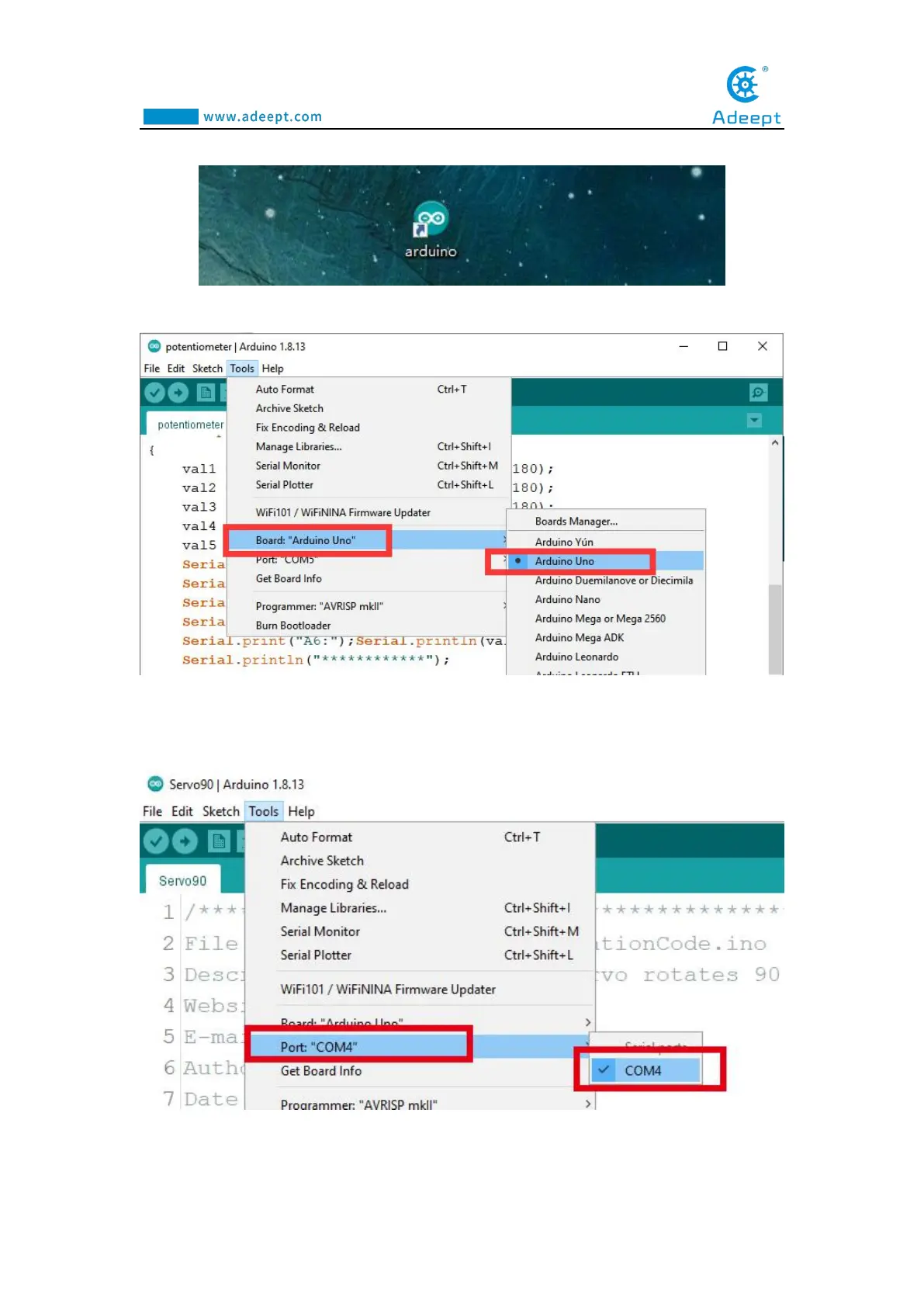
1.Open the Arduino IDE software, as shown below:
2. In the Tools toolbar, find Board and select Arduino Uno, as shown below:
3.In the Tools toolbar, find “Port” and Select the port number of The Adeept Arm
Drive Board , as shown below:
4.Click Open in the File drop-down menu:



 To Next Page