Introduction 9
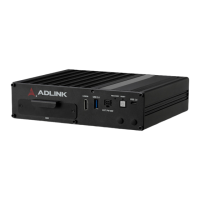
MXE-5400
1.6.2 LED Indicators
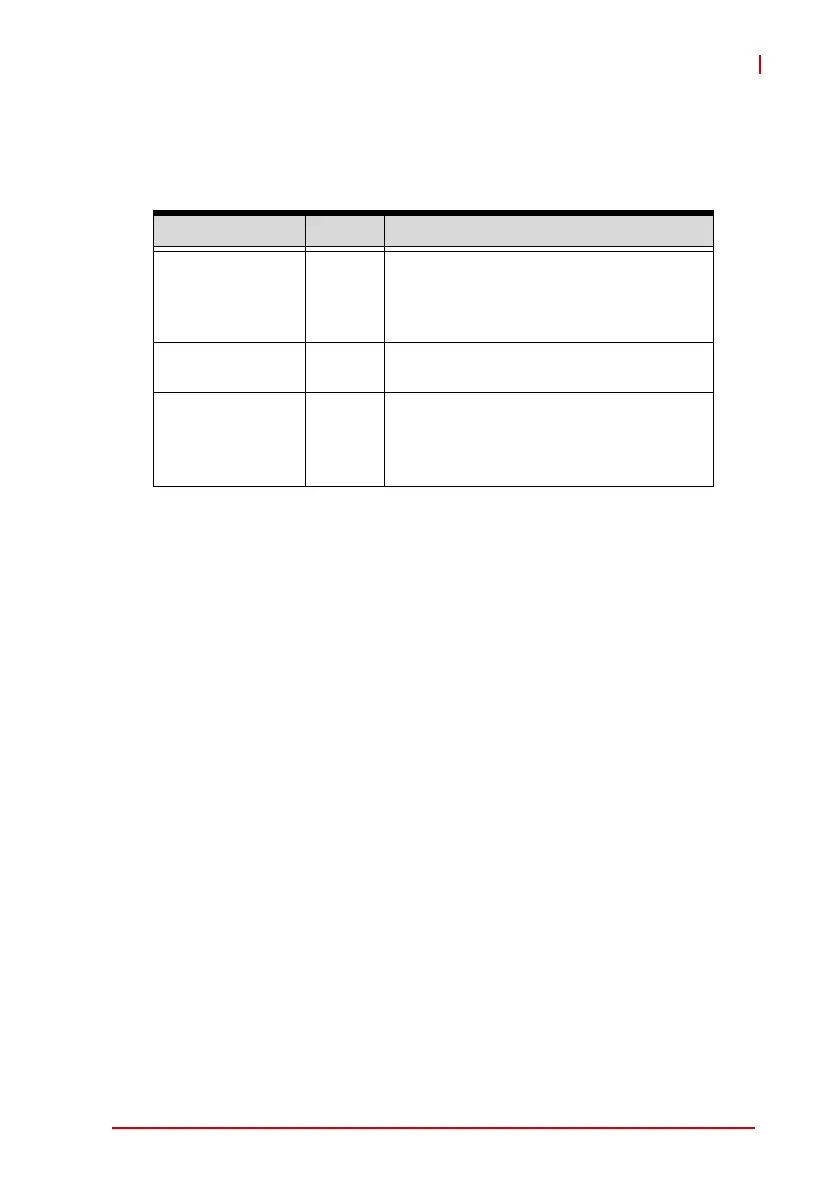
In addition to the LED of the power button, three LEDs on the front
panel indicate the following operations.
Table 1-2: LED Indicators
1.6.3 Reset Button
The reset button executes hard reset for the MXE-5400.
Indicator Color Description
Watchdog (WDT) Yellow
Indicates watchdog timer status.
Flashes when watchdog timer starts,
and when timer is expired, system will
auto-reboots.
Hard disk drive Orange
When blinking, indicates the SATA hard
driver is active
Diagnostic Green
If lit continuously, indicates no physical
storage is connected.
If blinking, indicates no memory is
installed on either SO-DIMM socket.


 To Next Page